
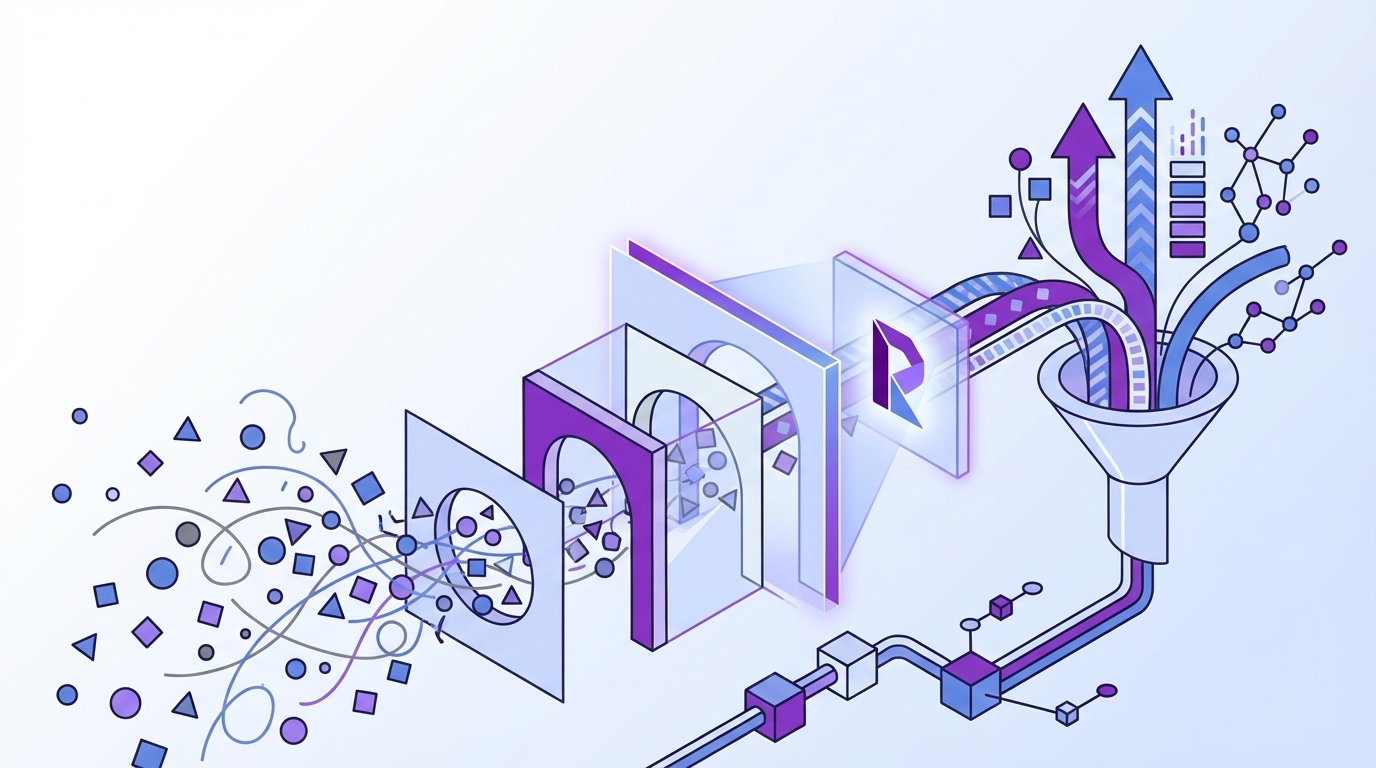
Sampling usually looks responsible. It isn't what serious teams do once ticket volume gets real.
If you're trying to create effective filters for support data with sampled tickets, score dashboards, and a few saved views in your helpdesk, you're building clarity on top of missing evidence. Same thing with sentiment-only tools. They give you a shape, not the truth.
Key Takeaways:
- You can't create effective filters for support analysis if the underlying data is partial, inconsistent, or trapped in free text.
- Most filter problems are really data structure problems, not dashboard problems.
- Good support filters need three things: full coverage, consistent categories, and traceability back to real conversations.
- Scores tell you what moved. Drivers, tags, and ticket evidence tell you why.
- CX and product teams get faster decisions when filters are built around questions, not around whatever fields happen to exist.
- The best filtering systems work on top of your current helpdesk, not through a painful replacement project.
Why Most Support Filters Break Before They Help
Support filters break because they usually start too late. Teams wait until leadership asks a hard question, then somebody opens Zendesk, exports a CSV, adds a few columns, and tries to create effective filters for a dataset that was never built for analysis in the first place.
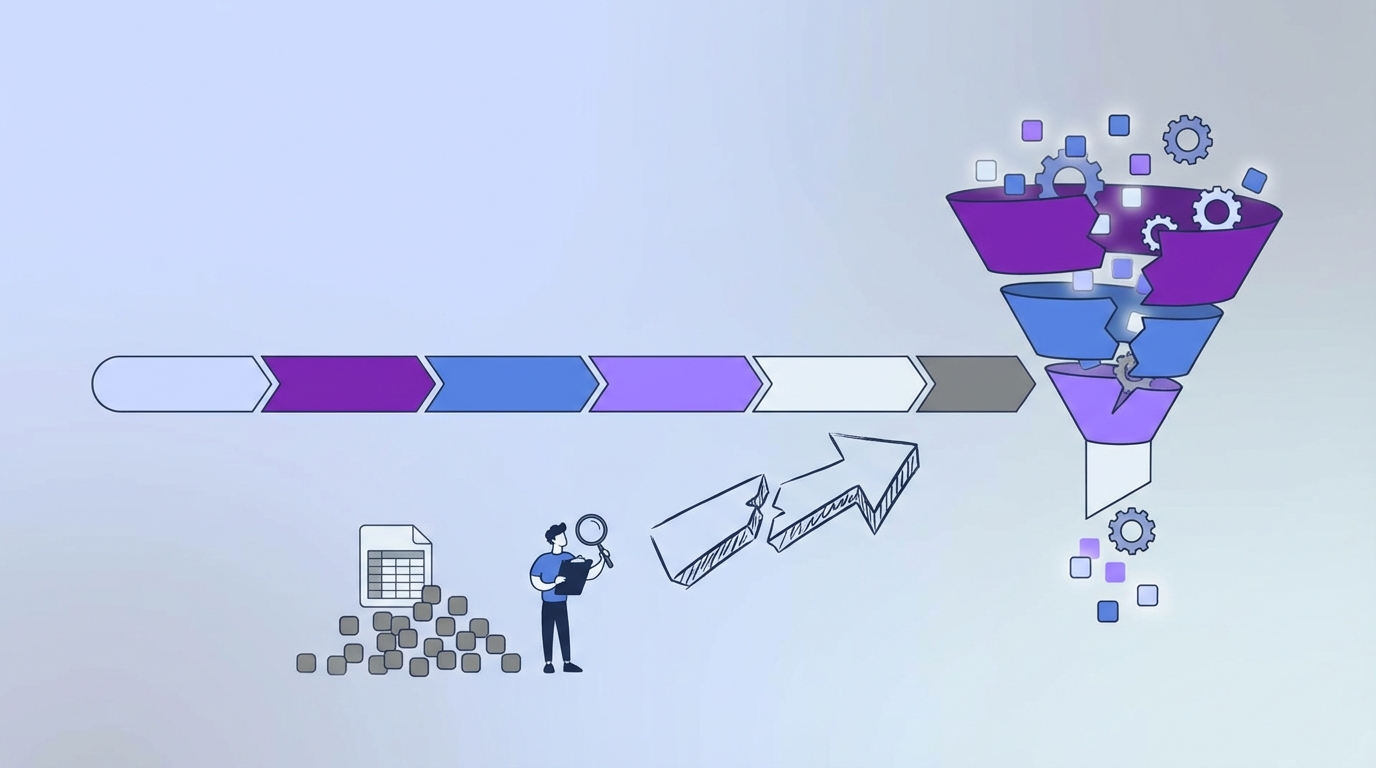
That's the hidden problem. It isn't that your team doesn't know how to filter. It's that the raw material is messy, incomplete, and biased before you even click the first dropdown. If you're sampling tickets, the filter already lies a little. If you're relying on manual tags, nobody's checking whether the tag logic stayed consistent across reps, months, or regions. And if you're using CSAT or NPS as the main lens, you're filtering responses from a subset of customers, not filtering the full support reality.
Filtering sampled data creates fake confidence
Sampled data can't support precise filtering because each segment gets thinner as you narrow it. You start with a few hundred reviewed tickets. Then you filter by product line, enterprise accounts, negative sentiment, and onboarding issues. Now you're making decisions from a tiny slice that may or may not represent what customers are really saying.
That's where teams get stuck in argument mode. One person says the sample is good enough. Another says the angry cases are overrepresented. Product asks for proof. CX pulls three ticket screenshots. Nobody trusts the answer because the filter logic sits on top of incomplete coverage. It's exhausting, and after a while people stop asking deeper questions because they don't believe the system can answer them.
Manual tags don't hold up under pressure
Manual tagging feels organized early on. Then volume climbs. Different agents use different words. One team tags "login issue," another tags "account access," and a third doesn't tag it at all. Now your filters aren't just inconsistent. They're quietly broken.
Same thing with ad hoc spreadsheet cleanup. It works for one meeting. Then the next meeting needs the same cut by region, plan type, and issue severity, and suddenly your one-off logic turns into permanent reporting debt. A lot of teams think they have a filtering problem. They actually have a structure problem with a governance problem sitting on top of it. That's why the same review deck gets rebuilt every month.
The real cost is slower decisions
Bad filters don't just waste analyst time. They slow down product decisions, weaken CX credibility, and make every insight sound softer than it should. When leaders ask, "How many customers are affected?" or "Is this billing issue actually rising?" the honest answer becomes, "We think so."
That word matters. Think so. Not know. Not measured. Not traceable. If you've been in those meetings, you know the feeling. You did the work, but you still can't land the point because the evidence underneath it feels thin. That's usually the moment teams realize they don't need prettier dashboards. They need a better way to create effective filters for support conversations from the start.
What You Need Before You Can Create Effective Filters for Support Data
To create effective filters for support data, you need full coverage, consistent classification, and fields that answer business questions instead of generic reporting questions. Filtering works when the data is structured for decisions, not just stored for operations. That changes everything about how you set up analysis.
Most teams go straight to dashboard design. I get why. It's visible. It feels productive. But the real shift happens earlier. Before you filter, you need to decide what kind of truth you're trying to surface.
Start with coverage, not convenience
If you want to create effective filters for support analysis, the first rule is simple: stop building logic on top of samples. Sampling might feel efficient, but it creates blind spots exactly where the important patterns tend to hide. Smaller but meaningful issues get buried. Churn mentions look sporadic. Product friction seems anecdotal when it may actually be systemic.
A good filter system starts with 100% of conversations. Not because more data sounds nice, but because the moment you segment by customer type, product area, issue theme, or timeframe, partial data gets weak fast. Full coverage gives you room to ask sharper questions without collapsing the sample. That's the difference between "we noticed a few complaints" and "this driver increased 18% among new customers this month."
There's a solid reason this matters beyond opinion. Research from McKinsey on customer care analytics points to the value of using conversation data at scale, not just survey summaries. And Zendesk's CX Trends reporting keeps reinforcing the same idea: support teams are sitting on a huge pile of unstructured signals they rarely turn into decision-grade insight.
Build filters around questions leadership actually asks
Most filter setups are too generic. Date. Team. Status. Region. Useful, sure. But that doesn't get you to "why are enterprise customers threatening to leave after onboarding?" or "which issue is driving high effort for our highest-value accounts?"
To create effective filters for business decisions, you need fields that map to those questions. In practice, that means filtering by things like driver, canonical issue category, churn risk, customer effort, outcome, and domain-specific signals tied to your business. Not vanity labels. Decision labels.
Here's the test I like: if your VP asks a hard question in a product review, can your filters answer it without a spreadsheet detour? If not, the filter set is too shallow. Honestly, this catches more teams off guard than anything else. They assume the missing piece is a better chart. It's usually the absence of the right structured fields.
Separate discovery from reporting
You also need two layers of categorization. One for discovery. One for reporting. This is where a lot of teams go wrong.
Discovery needs granularity. You want emerging themes, weird phrasing, and specific issue signals to show up before someone manually blesses them. Reporting needs stability. You need categories leadership can recognize month after month without taxonomy drift. If you force one system to do both jobs, you either lose nuance or drown in noise.
That's why effective filter design usually depends on a hybrid model:
- granular issue signals for pattern discovery
- normalized categories for reporting consistency
- broader drivers for executive-level analysis
- traceable links back to real tickets for validation
Once you have that, you can create effective filters for both exploration and repeatable reporting. Before that, you're mostly guessing with better formatting.
Make every filter defensible
A filter is only useful if someone can challenge it and still trust the answer. That's the part a lot of analytics setups miss. A chart that can't be traced back to source conversations becomes a debate starter, not a decision tool.
So if you're setting up support filters, every segment should be auditable. If negative churn-risk conversations appear to spike in one cohort, you should be able to inspect the exact tickets behind that segment. Read them. Quote them. Validate them. That's what turns analysis into something that stands up in leadership and product meetings.
Not everyone agrees that traceability needs to be this tight. Some teams are comfortable with high-level trends alone, and fair enough if the use case is lightweight reporting. But if you're prioritizing product fixes or escalation risk, loose evidence usually falls apart the first time someone asks, "Can you show me the actual conversations?"
A simple framework for better filter design
If you want a practical way to create effective filters for support workflows, use this sequence:
- Define the decision first: Start with the business question, not the available fields.
- Use full conversation coverage: Partial data makes segmented analysis fragile.
- Create layered categories: Use granular themes, normalized tags, and broader drivers together.
- Add outcome-oriented fields: Include sentiment, effort, churn risk, outcome, and business-specific measures.
- Require ticket-level validation: Every aggregate should lead back to source evidence.
That sequence matters. Skip the first step and you build irrelevant filters. Skip the second and the filters get shaky. Skip the last and nobody fully trusts what they see.
When this clicks, the whole workflow changes. You stop asking, "What can we filter?" and start asking, "What are we trying to prove?" That's a much better place to operate from.
If you want to see what this looks like in practice, See how Revelir AI works.
A Better Way to Build Filters That Surface the Why
The best way to create effective filters for support isn't more dashboard decoration. It's building a system where free text becomes structured evidence you can sort, group, and challenge from multiple angles. That's the new way. Less score-watching. More decision-grade analysis.
This section is where most teams expect a clever trick. There isn't one. It's a workflow change.
Turn conversation text into analysis-ready fields
You need support data transformed into fields that can actually be filtered in useful ways. Not just subject lines and existing helpdesk tags. Real analysis fields. Signals like effort, churn risk, outcome, issue category, and high-level drivers that explain why something is happening.
When that structure exists, filtering gets better immediately. You can isolate high-effort conversations in one product area. You can compare churn-risk patterns across plans. You can look at negative sentiment by driver instead of just by agent or queue. That sounds obvious. But most teams never get there because the conversation data remains trapped as text.
This is also where custom definitions matter. A generic model might tell you whether a ticket sounds negative. Fine. But your business may care about refund pressure, migration friction, compliance confusion, or VIP account risk. If the system can't classify in your language, your filters won't line up with your decisions.
Use layered analysis instead of one flat view
Flat filtering isn't enough once the questions get more serious. You need row-level inspection and grouped analysis working together.
At the row level, you need to inspect actual tickets, sort fields, compare records, and move through the dataset without losing context. Then, when you spot a pattern, you need grouped analysis that rolls those records up by driver, category, or some other dimension so the scale of the issue becomes visible.
Same thing with time. A one-off snapshot rarely tells the whole story. Strong filtering lets you compare periods, isolate segments, and then drill back into the conversations behind a shift. That's where the "why" starts to show up. Not in a single score. In the combination of segment, theme, and supporting evidence.
Keep humans in the taxonomy loop
Pure automation gets messy fast when categories drift from how the business talks. Pure manual taxonomy turns into a bottleneck. So the better model keeps both.
You want the system surfacing emerging themes automatically, because humans miss things and don't scale. Then you want people refining those themes into stable categories the rest of the company can use. That's how you create effective filters for ongoing reporting without freezing your taxonomy in place.
Let's pretend you start seeing a wave of conversations about password resets, multi-factor login friction, and locked accounts. A rigid tag model may scatter those issues across unrelated labels. A good system lets granular patterns emerge, then roll them into something useful like Account Access, while still preserving the detail underneath. That gives product and CX both what they need.
Design filters for escalation, not just observation
A lot of support analytics is passive. Teams look. They notice. They present. Then maybe something happens.
Better filtering changes that. It gives you a way to prioritize. Which issues create high effort and negative sentiment together? Which driver is rising fastest among valuable accounts? Which conversation outcome clusters with churn risk? Those combinations matter because they point to what should move first.
If you're only creating filters to observe what happened, you'll get decent reporting. If you're creating filters to decide what gets fixed first, you'll get much more leverage. That's the whole point.
What strong support filters usually include
When teams finally create effective filters for serious support analysis, they usually include combinations like these:
- date range and customer segment
- driver and canonical issue category
- sentiment and churn risk
- customer effort and conversation outcome
- custom business metrics tied to product or revenue questions
- the ability to drill back into exact tickets and quotes
Notice what's not on that list: sampled anecdotes, one-off spreadsheet tags, or standalone score trends. Those can be inputs. They can't be the system.
If you want the intelligence layer without replacing your current helpdesk, Learn More.
How Revelir AI Makes Better Filtering Possible Without a Helpdesk Rip and Replace
Revelir AI makes it easier to create effective filters for support because it turns unstructured conversations into structured, traceable fields you can actually work with. It sits on top of existing support data, processes 100% of conversations, and gives CX and product teams a way to move from vague score changes to specific, evidence-backed answers.
Full coverage and custom structure, not sampled guesswork
Revelir AI processes 100% of ingested tickets through Full-Coverage Processing, so you're not building filters on top of a partial review set. The data holds up.

From there, Revelir AI applies its AI Metrics Engine to create structured fields like Sentiment, Churn Risk, Customer Effort, and Conversation Outcome. You can also define Custom AI Metrics in your own business language, which is a big deal if your team needs to track something more specific than generic sentiment. Same thing with classification. The Hybrid Tagging System gives you granular Raw Tags for discovery and Canonical Tags for stable reporting, while Drivers help you roll issues up into leadership-friendly themes.

Filtering, grouping, and validating in one workflow
Once the data is structured, Revelir AI gives you two ways to work. Data Explorer lets you filter, group, sort, and inspect every ticket in a pivot-table-like workspace with columns for tags, drivers, sentiment, churn risk, effort, and custom metrics. Analyze Data gives you grouped summaries by Driver, Canonical Tag, or Raw Tag, with interactive tables and stacked bar charts that link to the underlying tickets.

And this is the part that usually changes the conversation in the room: Evidence-Backed Traceability links every aggregate number back to the original tickets and quotes. With Conversation Insights, you can drill into full transcripts, summaries, tags, drivers, and AI metrics to validate what the pattern actually means. No black box. No hand-wavy "the model says so."
Revelir AI also fits into current workflows. You can bring data in through the Zendesk Integration or start with CSV Ingestion for a pilot or backfill. If your analytics team wants to use the structured output elsewhere, API Export is there too.
If you're ready to create effective filters for support data that actually stand up under scrutiny, Get started with Revelir AI (Webflow).
Create Filters You Can Defend in the Room
Creating filters isn't the hard part. Creating filters people trust is.
It's usually the same failure pattern. Teams start with a dashboard question, realize the data underneath is thin, then patch the gap with manual tags, exports, and interpretation. That works for a week. Maybe a month. Then the next leadership review hits, somebody asks for proof, and the whole thing wobbles.
The better path is simpler. Use full conversation coverage. Structure the text into fields that match real business questions. Keep discovery and reporting separate. Make every number traceable to a real ticket. That's how you create effective filters for support decisions, not just support reporting.
If your team is done guessing from samples and score swings, take a look at how Revelir AI approaches it. The difference is pretty straightforward. You can filter the whole picture, see the drivers underneath it, and verify every claim against the original conversations.
Frequently Asked Questions
How do I set up filters for specific customer segments?
To set up filters for specific customer segments in Revelir AI, start by defining your key business questions. For instance, if you want to analyze issues faced by enterprise customers, use the Data Explorer to filter tickets by customer type. You can also leverage the AI Metrics Engine to incorporate fields like Churn Risk and Customer Effort, which can help you understand the challenges specific segments face. Make sure to validate your findings by drilling down into the original tickets for context.
What if my filters aren't yielding useful insights?
If your filters aren’t yielding useful insights, it might be time to reassess your filtering criteria. Ensure you're using full coverage of conversations rather than relying on sampled data. With Revelir AI, you can utilize the Hybrid Tagging System to refine your tags and categories, ensuring they align with the business questions you're trying to answer. Also, consider adding outcome-oriented fields like Sentiment and Churn Risk to gain deeper insights into customer experiences.
Can I customize metrics for my specific business needs?
Yes, you can customize metrics in Revelir AI using the Custom AI Metrics feature. This allows you to define domain-specific classifiers that align with your business language and objectives. For example, if you need to track specific issues like 'Refund Pressure' or 'Onboarding Friction,' you can create these custom metrics and use them across your filters and analyses, making your insights more relevant and actionable.
When should I consider using evidence-backed traceability?
You should consider using evidence-backed traceability whenever you need to validate your findings in leadership meetings or product discussions. This feature in Revelir AI links every aggregate number back to the original tickets, enabling you to provide concrete evidence for your insights. This is particularly important when discussing critical issues or making decisions that require stakeholder trust, as it allows you to reference specific conversations that support your analysis.
How do I ensure my filters remain relevant over time?
To ensure your filters remain relevant over time, regularly review and update your tagging and categorization practices. Use the Hybrid Tagging System in Revelir AI to adjust your Canonical Tags as your business evolves. Additionally, keep an eye on emerging themes captured by Raw Tags and refine them into stable categories for consistent reporting. This proactive approach helps maintain the accuracy and effectiveness of your filters.