

Most teams try to automate support with macros. Copy a template, fire it off, call it a win. It’s usually fine for a week. Then reopen rates climb, tone drifts, and nobody’s checking whether the rule even matches the ticket type anymore. If you care about ai workflow automation that actually reduces work, start with evidence and repeatable ticket archetypes, not guesswork and vibes.
Let’s pretend we’re in your queue. You’ve got volume, a few obvious patterns, and pressure to “automate something.” Same thing with every org I meet. The trap is automating replies before you’ve defined the problem shape, the decision rules, and the proof that it worked. Without that, you don’t have automation. You have noise at scale.
Key Takeaways:
- Start from ticket archetypes, not templates, so automation targets repeatable shapes with measurable rules.
- Quantify each opportunity with a simple model: volume × handle time × cost.
- Keep false positives under 5% by setting explicit confidence thresholds and negative signals that block automation.
- Roll out in stages: pilot, soft launch, then full automation with guardrails.
- Instrument for proof in 30–60 days: reopen rate, handle time, deflection, and segment-level impact.
- Aim for 20–40% of repetitive tickets automated within 60 days while keeping reopen rates under 5%.
- Use evidence-backed tools that process 100% of conversations and link every metric to source tickets.
AI Workflow Automation Fails Without Evidence
AI workflow automation fails when it’s built on templates instead of proof. Reopen loops, tone drift, and bad routing explode because no one defined archetypes, confidence thresholds, or blockers. The fix is simple to say and hard to skip: measure 100% of conversations, classify with traceable signals, then automate what you can defend.
The Macro Trap
Macros feel fast. You copy a “refund approved” message into a rule and call it done. The first day looks good because response time drops. The second week hurts because the rule starts hitting edge cases, and nobody’s checking whether the inputs still match the ticket. That’s where reopen rates spike and trust takes a hit.
What’s really happening is a mismatch between symptom and cause. The symptom is slow handling. The cause is undefined ticket shapes, no shared taxonomy, and zero evidence that the rule matches the work. So you end up with speed at the expense of accuracy. Leaders sense it, agents work around it, and customers feel the wobble.
If you want speed that sticks, define the world you’re operating in. That means archetypes with clear fields, not vague phrases like “billing issue.” It also means writing down the reason a ticket qualifies and the reason it doesn’t. Sounds obvious. Almost no one does it.
Reopen Loops and Noise
Reopens are an audit trail for pain. When they climb, automation is guessing. It’s usually because the rule fired on tone alone or latched onto a single phrase that looked right in testing. You don’t just lose time. You lose trust in the whole effort.
The fix starts with coverage. Partial reviews invite blind spots. Full coverage gives you patterns that hold up. Pair that with block signals that prevent a reply when the context is risky, like multiple unresolved sub-issues or VIP accounts. Without that, you ship noise at scale. With it, you keep accuracy while you gain speed.
Most teams try to tune macros after the fact. Better to design your rules with reopens in mind from day one. Fewer surprises. Fewer late-night fire drills.
Ticket Archetypes, Not Templates: The Real Unit of Automation
Ticket archetypes are the building blocks for reliable automation. Each archetype defines the problem, the required context, and the allowed actions so rules match reality. When you automate at the archetype level, you control variance, keep tone consistent, and avoid bad matches that cause reopens.
What an Archetype Looks Like
An archetype is more than a label. It’s a contract. Think “Billing, duplicate charge on last invoice,” not just “Billing.” You capture the core signals, the missing info that blocks action, and the safe next step. That way, the system knows when to proceed and when to escalate.
Here’s the shape. Name, qualifying phrases, disqualifying phrases, needed entities, and expected outcome. Add examples with quotes that match and quotes that don’t. Now your team and your system speak the same language. New agents onboard faster. Rules get safer. You cut debate because the evidence is in the examples.
If you’ve ever watched two leaders argue about “what these tickets really are,” you’ve felt the cost of skipping this. Archetypes end the debate. Evidence decides.
Signal, Context, and Decision Rules
Signals alone aren’t enough. Context is where rules fail. You need to check for account tier, prior contact, unresolved threads, and sensitive segments before you ship a reply. Decision rules should read like a checklist any reviewer can validate.
Write the rules plainly. If confidence is above 0.9 and no blocker is present, send reply A. If confidence is between 0.7 and 0.9, draft reply A and route to assist. If confidence is below 0.7, escalate with reason. Simple. Testable. Auditable.
When you operate like this, “it depends” gets replaced by “it fires because.” That’s the moment automation stops being a risk and starts being a relief.
The Cost of Guesswork in Support Automation
Guesswork is expensive. Missed matches create reopens, agents rewrite replies, and leaders dig through anecdotes. The cash cost shows up in handle time and escalations. The reputation cost shows up in product reviews and churn risk. Independent studies back the stakes, including Zendesk Customer Experience Trends 2024 and McKinsey’s analysis of generative AI’s productivity impact.
Reopen Rate Math
Reopen math is brutal. A 7% reopen rate on a 10,000-ticket month with five-minute rework adds nearly 60 agent hours. And that’s just the visible rework. You also pay for context switching, customer frustration, and the follow-on tickets that never needed to exist.
Lowering reopens below 5% is a forcing function. It forces better inputs, clearer archetypes, and stricter thresholds. You’ll catch that most errors come from two sources, overconfident matches on thin signals and missing blockers like prior escalations. Fix those and the curve bends fast.
When reopens drop, backlog clears. Agents stop firefighting. Customers stop chasing you. The entire queue breathes.
Handle Time and Backlog Drag
Average handle time hides the spread. Long tails kill throughput. Bad automation extends that tail. One wrong reply can turn a two-minute action into a thirty-minute rescue. Multiply that by volume, and your Monday disappears.
So track the right cuts. By archetype. By segment. By action type. Use that to find where automation actually shortens the tail. Then double down. Kill the rules that add drag. You don’t need more automation. You need the right automation, especially when evaluating ai workflow automation.
If you want a sanity check on conversation signals at scale, the AWS Contact Lens documentation on conversation analysis is a solid primer on sentiment and topic cues. It won’t define your archetypes, but it shows why raw signal quality matters.
When Automation Goes Wrong, You Feel It for Ai workflow automation
Bad automation feels loud. Customers feel unheard. Agents feel boxed in by rules they can’t trust. Leaders feel exposed in product reviews when anecdotes replace evidence. The mood shifts from confident to cautious. Momentum stalls.
The 11 pm Rewrite
You’ve been there. It’s late. A VIP got a robotic answer. You’re rewriting the message by hand, apologizing for tone, and promising a fix. Nobody wants that night. It happens when rules ship without guardrails.
Set a floor for confidence. Add explicit blocks for risk. Give agents a one-click “needs human” route that captures the reason. You’ll sleep better. The team will too.
Automation should remove stress, not create it. If your heart rate spikes when a spike hits, the setup is wrong.
Trust Erosion in Product Reviews
Product reviews don’t move on opinions. They move on proof. If you can’t link an insight to the exact tickets and quotes, the room hesitates. And they should. Black-box claims invite doubt.
Tie every claim to source. Show the stack, metric to ticket to quote. That’s how you defend a roadmap change. That’s how you protect your team when someone brings a loud anecdote. Evidence beats volume.
When leaders trust the evidence, decisions speed up. Fewer meetings. Fewer stalls. More fixes that matter.
How To Build AI Workflow Automation From Ticket Archetypes
Build ai workflow automation by defining repeatable ticket archetypes, quantifying impact, and enforcing thresholds that keep false positives under 5%. Start with a small pilot, measure reopen and handle time shifts, then scale across segments. The goal is speed without losing accuracy or trust.
Quantify the Opportunity
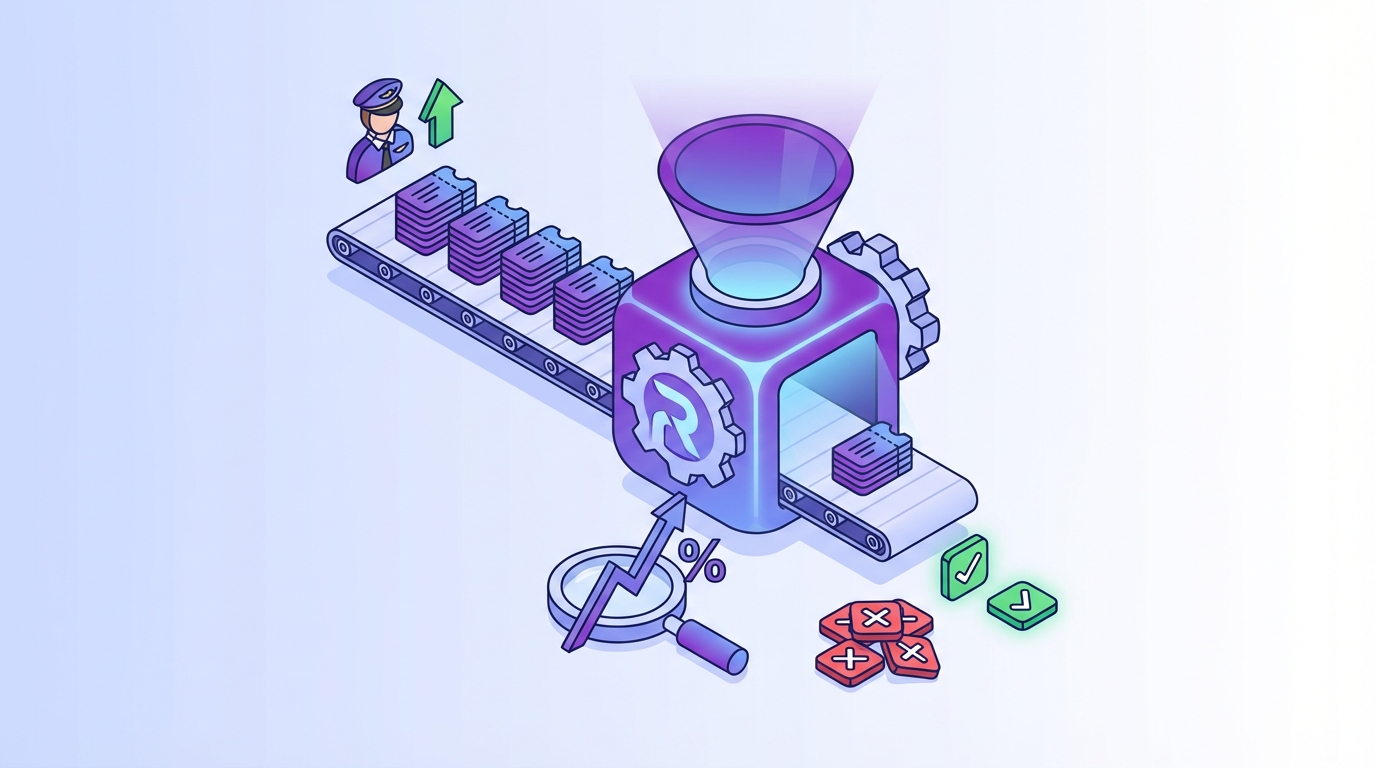
Start with a simple model. Volume times handle time times cost. That’s your savings ceiling. Now sanity check it with reopen risk and effort. If a category is high volume but high risk, draft-only or route-assist may be the right first move.
Work with finance early. Agree on inputs. Set the review window. You want a number you can defend in a QBR. Not a hand wave. If it helps, split gains into agent hours reclaimed and customer hours saved. Both matter. Both tell a story executives understand.
A small win with clean math beats a big promise you can’t prove. Every time.
- Use 90 days of tickets for volume baselines.
- Break handle time into reading, resolving, and writing.
- Estimate recoverable time at 60–80% of total handle time for repetitive archetypes.
Set Thresholds and Guardrails
Confidence thresholds decide what fires and what waits. A safe pattern is simple. High confidence sends, mid confidence drafts, low confidence escalates. Layer in block rules, things like VIP segments, unresolved prior contacts, or missing entities. These aren’t edge cases. They’re the difference between relief and regret.
Put reopen rate caps into your guardrails too. If an archetype crosses 5%, it auto-pauses and routes to assist. Roll back with a note that explains why. The point isn’t perfection. It’s safety and transparency.
One more thing. Track near misses. Tickets that almost qualified teach you where context is thin.
- Confidence above 0.9: auto-send.
- Between 0.7 and 0.9: draft and route-assist.
- Below 0.7: escalate with rationale.
Stage the Rollout
Don’t skip staging. Pilots reveal hidden blockers. Soft launches build trust. Full launches earn it. Keep your circle small at first. Measure daily for two weeks. Then widen.
Pilots should be boring by design. Pick one archetype with clean signals and low risk. Prove you can hold reopen rates under 5% and cut handle time by 30%. Then add a second archetype. You’ll move faster with trust than you ever will with pressure.
A simple three-stage path works almost everywhere:
- Pilot with draft-only for one archetype and one segment.
- Soft launch with auto-send at high confidence, draft for mid, especially when evaluating ai workflow automation.
- Full automation with guardrails and weekly review.
Ready to see this approach in action with your own data? See how Revelir AI works.
How Revelir AI Operationalizes AI Workflow Automation You Can Trust
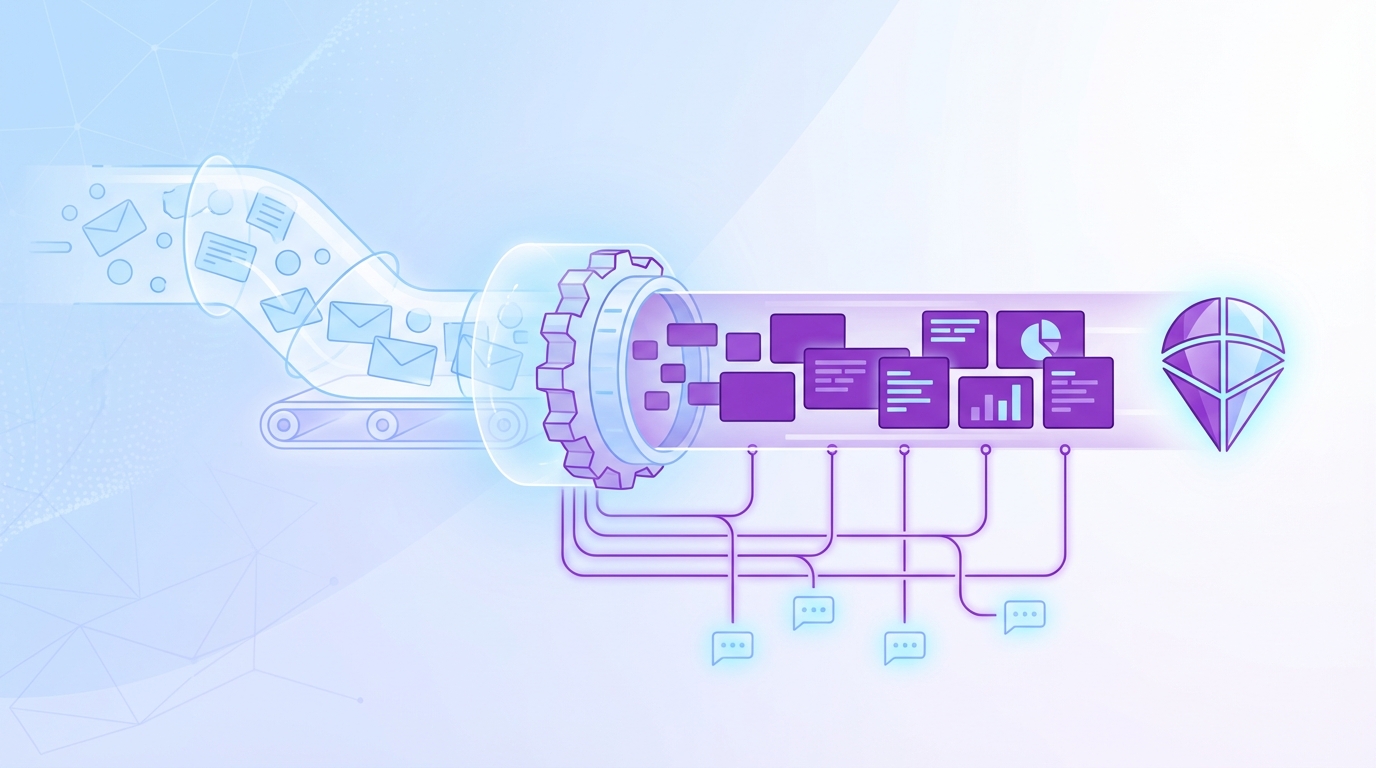
Revelir AI makes ai workflow automation practical by processing 100% of tickets, computing structured metrics, and linking every number to the exact conversations behind it. You get archetypes you can defend, guardrails you can tune, and dashboards that turn debate into action. That’s how you keep speed without losing trust.
Full Coverage and Traceability
Coverage is non-negotiable. Revelir ingests historical and ongoing tickets from Zendesk or CSV, then computes core signals across every conversation. The key is traceability. Every aggregate rolls down to the ticket and the quote that supports it. In leadership or product reviews, that trace shuts down doubt fast.

Evidence-backed traceability also shortens the path from “we think” to “we know.” When a metric moves, you can jump into the exact examples that drove it. No stitched screenshots. No hunting through inboxes. Just proof.
This is how you stop sampling and start deciding. Quickly. Confidently.
Data Explorer and Analyze Data in Practice
Exploration is where the wins compound. Data Explorer gives you a pivot-table-like view of every ticket with columns for sentiment, churn risk, effort, raw tags, canonical tags, drivers, and custom metrics. You can filter by segment, group by driver, and click into any slice to see the real conversations.

Analyze Data summarizes those views into grouped tables and stacked charts that link straight back to tickets. Want to see negative sentiment in Billing by plan tier and month? Two clicks, then drill down. That’s how you spot an archetype that’s ready for automation and confirm it holds across cohorts.
When leaders ask why something is broken, you won’t guess. You’ll show them.
Custom AI Metrics and Hybrid Tagging
Generic labels won’t run your business. Revelir’s Custom AI Metrics let you define classifiers in your own language, like Upsell Opportunity or Reason for Churn, then store them as columns you can filter and group. You see what matters to you, not just what a model exposes by default.

The hybrid tagging system pairs AI-generated raw tags with human-aligned canonical tags. Raw tags surface granular themes you might miss. Canonical tags keep reporting clear. Map once, and Revelir learns the rollups for future tickets. That’s how taxonomy matures without endless manual work.
When your taxonomy matches how your org talks, alignment stops being a fight.
Proving ROI Fast
You need proof in 30–60 days. Revelir is built for that window. Process 100% of conversations, define a few archetypes, then measure reopen rates, handle time, and deflection by segment. The result you want is clear. Automate 20–40% of repetitive tickets while holding reopens under 5% and cutting average handle time by about 30%.

Tie the transformation back to the earlier costs. If reopens were burning 60 hours a month, show the drop. If long-tail handle times were clogging the queue, show the curve flattening. Then export structured metrics to your BI via API Export for the QBR packet.
Want a quick path to a defensible pilot with your data? Learn More.
Looking for a live walkthrough of the Data Explorer and Analyze Data flow on top of your tickets? See how Revelir AI works.
Conclusion
Automating replies from templates is fast, until it isn’t. Archetypes change that. Define the shape, set thresholds, block risk, then prove it with coverage and traceability. That’s how you automate 20–40% of repetitive tickets in 60 days, keep reopens under 5%, and cut handle time by 30%.
Start small. Pick one archetype. Measure hard for two weeks. If the numbers hold, widen calmly. If they don’t, fix the inputs. Either way, you’ll know. When you can link every metric to the exact ticket and quote, the room moves. And your team gets its time back.
Ready to make that first pilot real? Get started with Revelir AI (Webflow).
Frequently Asked Questions
How do I identify ticket archetypes for automation?
To identify ticket archetypes, start by analyzing your support tickets for common patterns. Look for recurring issues that have similar contexts and resolutions. You can use Revelir AI's Data Explorer to filter and group tickets, making it easier to spot these patterns. Once you identify a few archetypes, define their characteristics, such as qualifying phrases and expected outcomes, to ensure your automation targets the right tickets.
What if my automation is causing high reopen rates?
If you're experiencing high reopen rates, it's crucial to reassess your automation rules. Check if your confidence thresholds are set too low or if there are missing blockers that should prevent replies. Revelir AI allows you to set explicit confidence thresholds and block signals, which can help keep your reopen rates under control. Implement these guardrails and monitor the impact on your reopen rates over time.
Can I measure the impact of my automation efforts?
Yes, you can measure the impact of your automation by tracking key metrics such as reopen rates, handle time, and deflection rates. Use Revelir AI to process 100% of your conversations, ensuring you have a comprehensive view of the data. Set up a review window of 30-60 days to analyze these metrics and link them back to specific ticket archetypes. This will help you demonstrate the effectiveness of your automation efforts.
When should I consider a pilot for automation?
Consider starting a pilot for automation when you have clearly defined ticket archetypes and a manageable volume of tickets to test. A small pilot helps you identify any potential blockers in your automation rules. Use Revelir AI to run a pilot with one archetype and measure the results over a two-week period. If you can maintain a reopen rate below 5% and see a reduction in handle time, you can confidently scale your automation efforts.