
Most teams don’t wake up wanting “another analytics tool.” You wake up wanting fewer surprises, fewer escalations, and fewer arguments in the weekly meeting about what customers are actually mad about. That’s the real difference between Revelir AI and qvasa: one is built to monitor Zendesk operations in real time, the other is built to turn support conversations into evidence you can trust.
Revelir AI vs qvasa: What Changes In Your Day-To-Day?
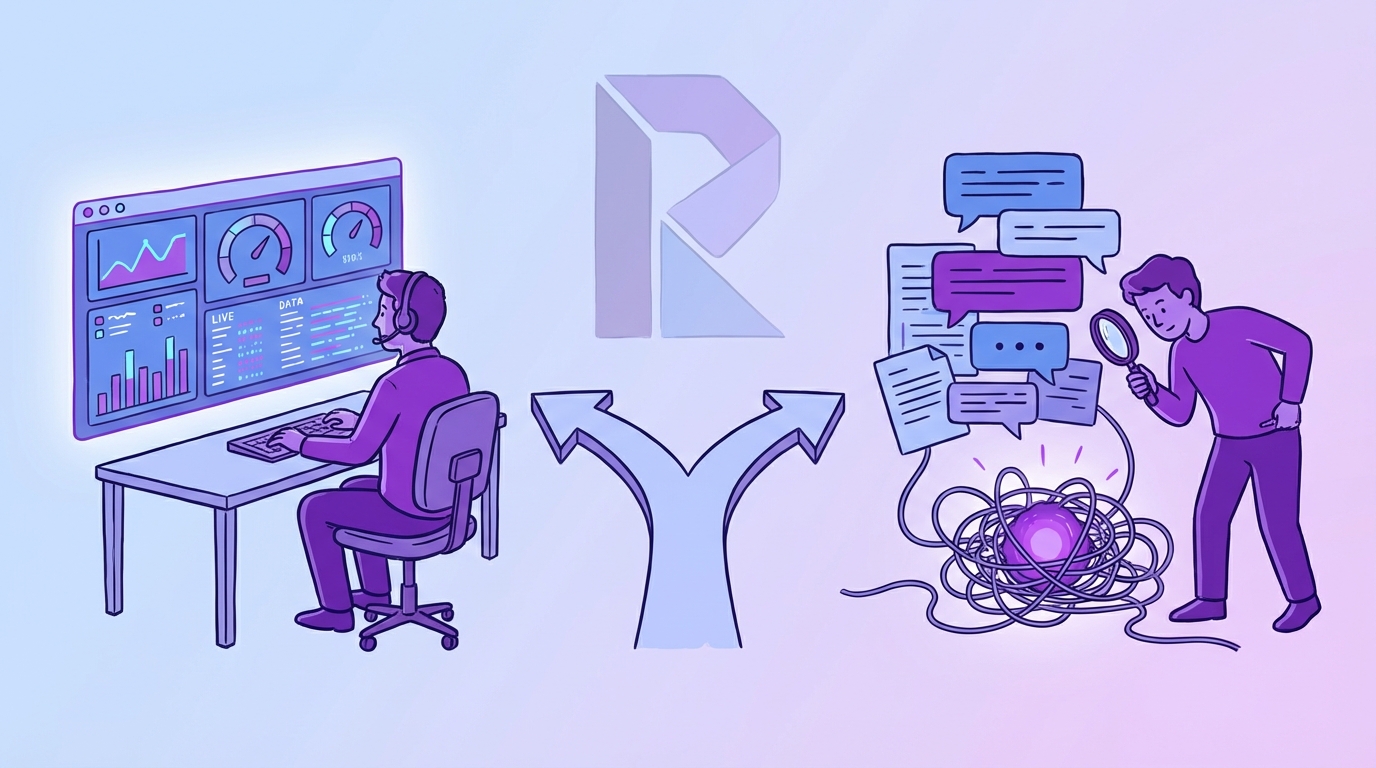
Revelir AI changes your day-to-day by turning support tickets into queryable metrics and tags you can investigate, while qvasa changes your day-to-day by keeping Zendesk operations visible with live monitoring and alerts. If you’re mostly firefighting queue health, qvasa will feel closer to home. If you’re mostly explaining root causes to product and leadership, Revelir AI tends to fit the meeting you’re walking into.
| Category | Revelir AI | qvasa | Notes / Source |
|---|---|---|---|
| Primary focus | Evidence-backed insights from 100% of support conversations; AI metrics and tags; deep exploration (Data Explorer, Analyze Data) | Real-time Zendesk operational monitoring: dashboards, trending spikes, alerts | qvasa positioning (qvasa) |
| Best for | Teams needing root-cause analysis and auditable insights tied to source conversations | Zendesk-centric support ops needing live incident visibility | qvasa is Zendesk-centric (qvasa) |
| Data scope emphasized | Conversation-level signals (sentiment, churn risk, drivers, frustration signals, product feedback) | Operational metrics and issue spikes in Zendesk | qvasa overview is ops-focused (qvasa) |
| Real-time alerting | Not publicly documented | Alerts for spikes (positioned via email/Slack) | qvasa messaging (qvasa) |
| Evidence links to source | Designed for evidence-backed insights tied to conversations | Not emphasized publicly | qvasa site emphasis (qvasa) |
| Pricing transparency | Not publicly listed | Freemium; paid pricing appears sales-driven | qvasa free tier positioning (qvasa) |
Key Takeaways:
- If your day is incident response in Zendesk, qvasa’s live monitoring and alerts are usually the faster fit (qvasa).
- If your day is explaining “why” with proof, Revelir AI is built around evidence-backed metrics tied to real conversations.
- qvasa is freemium but paid pricing is not clearly published, so budgeting can get fuzzy past the free tier (qvasa).
- If “nobody’s checking” the full dataset today, Revelir AI’s 100% conversation coverage helps reduce sampling bias and debate.
Who this guide is for
If you’re a support ops leader living in Zendesk and you need to know when something’s going sideways right now, you’re in the right place. Same thing if you’re in CX or product, and your job is to translate thousands of tickets into a credible narrative with receipts. This is a practical comparison for teams that are tired of rework.
You might be:
- A Support Ops manager who owns queue health, SLA risk, and internal escalations.
- A CX leader who needs a defensible “what’s driving negative sentiment” story.
- A Product leader who wants real customer evidence, not a spreadsheet of vibes.
- An analytics or ops person who’s sick of manual tagging and second-guessing.
One interjection. If you’re not using Zendesk at all, qvasa’s Zendesk-first approach is the whole point, so keep that in mind upfront (qvasa).
Why This Comparison Matters Right Now
This comparison matters because teams are being asked to move faster with less tolerance for “we think” and more demand for “show me.” Support volume grows, products ship faster, and leaders still want root cause in a single meeting. In that environment, the gap between operational visibility and conversation-level evidence becomes the difference between quick alignment and frustrating rework.
Operational visibility vs conversation insight
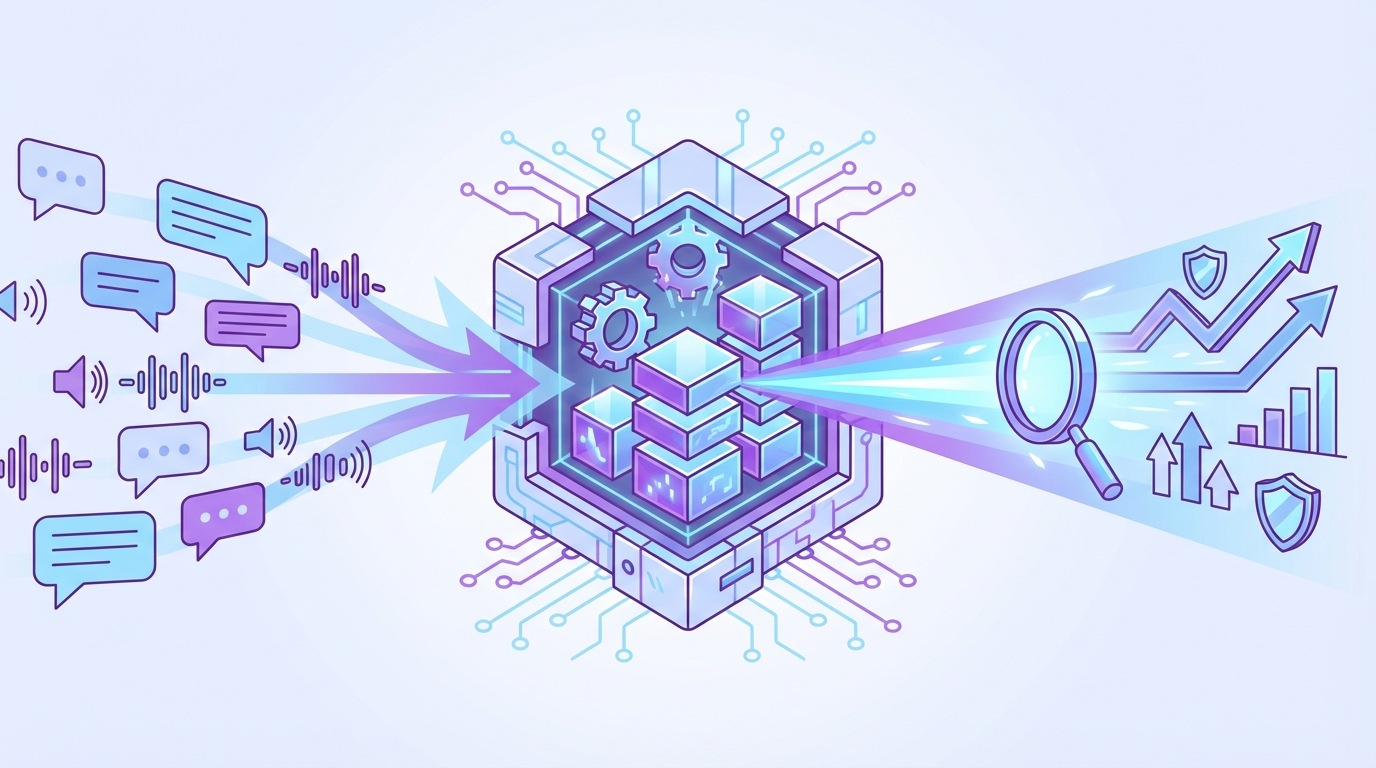
Operational visibility is about what’s happening in the system, volume spikes, backlog, SLA risk, trending issue signals. Conversation insight is about why it’s happening, the drivers inside customer language, frustration cues, churn mentions, and product feedback that never makes it into a survey.
qvasa, based on how it positions itself publicly, leans into the operational side for Zendesk teams: dashboards, trending spikes, and alerting to keep your operation from drifting into chaos (qvasa). That’s real value when you’re on the hook for today’s queue.
Revelir AI leans into the conversation side. It’s built to compute metrics across 100% of conversations and keep the path back to the underlying ticket context. That matters when the question is not “are we up or down,” it’s “what do we fix first, and can we prove it.”
A quick way to think about it: qvasa helps you see the smoke faster. Revelir AI helps you walk into the meeting with the fire’s cause and the customer quotes that back it up.
The hidden time tax of manual categorization
The time tax is real, and it’s usually hiding in plain sight. Somebody is sampling tickets, categorizing themes, pasting quotes into a deck, then defending the sample in front of stakeholders. Nobody’s checking what got missed.
Let’s pretend you do 1,000 tickets a month. You sample 10% because that’s what you can handle. At three minutes per ticket, that’s five hours for a partial view. If you tried to review 100% manually at the same pace, you’re looking at 50 hours. That’s not a “process,” that’s a slow leak.
This is where the tools diverge.
- Operational monitoring tools help you stay on top of the system signals.
- Conversation analytics tools help you structure the raw text so you can actually analyze it without drowning.
If you pick the wrong category, you end up bolting on spreadsheets to make up for it. That’s the headache you’re trying to avoid.
qvasa For Zendesk Operations
qvasa is a strong fit when your world is Zendesk and you care about live operational visibility, trending issue spikes, and getting alerted before things become a leadership escalation. It positions itself as Zendesk-centric and monitoring-first, which is exactly what some support ops teams want. If your top priority is queue health and incident response, that’s the lens to use here (qvasa).
Key strengths: live dashboards, trend spikes, alerting
qvasa’s public positioning emphasizes real-time Zendesk operational monitoring, including dashboards, visibility into trends, and alerting (qvasa). That’s a very specific job, and it’s a job lots of teams need done.
The best part of this category is speed. When you’re trying to catch a spike in contacts, a workflow break, or some sudden surge tied to a release, live monitoring and alerts are what keep you from learning about it from the VP Slack thread.
What this tends to enable in practice:
- Faster awareness of spikes that might impact SLAs or backlog.
- A cleaner operational narrative, “here’s what changed, here’s when it changed.”
- Less reliance on someone manually watching dashboards all day.
And yes, alerting matters. Zendesk itself has automation concepts, but automations are typically about workflow rules, not an operational analytics layer that’s purpose-built for visibility (Zendesk Automations Overview). Different thing.
Key limitations to weigh
qvasa is Zendesk-first. That’s a strength if your stack is settled, and a limitation if you’re multi-desk, migrating, or trying to build a more system-agnostic insights layer. Their own positioning leans into Zendesk as the core environment (qvasa).
The other limitation is simple: there’s limited public detail. That doesn’t mean it can’t be capable, it just means your evaluation has to be more hands-on. You’re going to want a demo, and you’re going to want to test whether the reporting answers the questions you actually get asked.
Finally, if your main internal problem is, “we can’t prove why sentiment dipped,” operational dashboards may not be enough. You can detect “something happened.” But leadership usually asks what happened, to which customers, and what language they used.
A decent gut-check question: when someone says “show me the tickets,” can you get there fast?
Pricing and value: freemium, but opaque beyond free
qvasa positions a free tier and a freemium approach, but it does not publicly spell out full paid pricing in a way that makes budgeting straightforward (qvasa). That’s not unusual for tools in this category, but it changes the buying motion.
Freemium can be great when:
- You want to validate that your Zendesk data actually produces useful dashboards.
- You need low-friction adoption for ops teams.
- Procurement is slow and you need a practical starting point.
The trade-off is that once you’re past the free tier, you may be in a sales-led conversation anyway, so plan for that time and internal coordination.
How Brand is Different: While qvasa is positioned around live Zendesk operations and alerting, Revelir AI focuses on turning 100% of conversations into structured, evidence-backed metrics. That means you can pivot from a chart to the underlying tickets and quotes, using Data Explorer and Analyze Data when stakeholders ask “why.”
Revelir AI For Evidence-Backed CX Insights
Revelir AI is a better fit when you need defensible, evidence-backed insights from support conversations, not just operational monitoring. It computes metrics from 100% of conversations and keeps traceability to the source context, so you can validate patterns instead of debating them. If your day-to-day involves explaining root cause to product, CX, and leadership, that’s the core value.
Strengths grounded in the product
Revelir AI is built around a straightforward idea: measure every conversation, structure it into metrics and tags, and keep the receipts. So instead of arguing over a 10% sample, you can analyze the whole dataset and still click into real examples to validate what you’re seeing.
That plays out in a couple concrete capabilities:
You can use Data Explorer to filter and segment, then Analyze Data to group by drivers or tags and run analysis. The workflow is intentionally investigative. For example, to answer “what’s driving negative sentiment right now,” you filter sentiment to negative, run analysis, group by category driver (or canonical tag), then click into rows to review actual conversations in Conversation Insights.
Same thing if you’re trying to protect revenue. You can filter by customer segment like enterprise plan, optionally layer on churn risk or negative sentiment, and then group by tags or drivers to see where high-value accounts are struggling. Then you validate by reviewing examples, not by trusting a black box.
Revelir AI also supports “high-effort” analysis. You filter customer effort to high, group by driver, and you get a defensible list of where conversations are taking the most work.
Key strengths, in plain English:
- Full coverage processing across conversations, so you’re not trapped in sampling.
- AI tagging and metrics like sentiment, churn risk, drivers, frustration signals, and product feedback.
- Evidence-backed traceability so charts link back to the actual conversation context.
- Analytics and pivoting inside the product, with API export when you want it in your reporting stack.
- Custom metrics and taxonomy, so you can define what matters and apply it consistently.
What it doesn’t try to be
Revelir AI is not positioned as a real-time queue monitoring and alerting tool, at least not based on what’s publicly documented today. That’s not a knock, it’s a scope decision. If you need Slack alerts for operational spikes as the primary workflow, you should treat that as a separate requirement.
It also doesn’t try to replace your helpdesk. It assumes tickets already exist and the goal is to extract trustworthy metrics and insights from them, fast, without building a custom tagging operation.
This is where teams get tripped up. They buy an ops monitoring layer expecting it to answer product questions, or they buy a conversation insight layer expecting it to run incident response. Then everyone is annoyed. Same thing with dashboards. Pretty charts are fine, but if you can’t link them back to customer language, the trust falls apart in exec meetings.
Pricing and value considerations
Revelir AI’s pricing is not publicly listed in a way we can cite here, so don’t take any random numbers as truth. The right way to evaluate value is by what you stop doing manually.
If you’re currently:
- Sampling tickets show-and-tell style.
- Manually tagging themes.
- Stitching together “proof” decks to persuade product.
- Losing time to stakeholder distrust.
Then the value is in reducing that operational tax and speeding up decisions with evidence you can verify.
How Brand is Different: qvasa is built around Zendesk operations visibility and alerting (qvasa). Revelir AI is built around full-coverage conversation metrics and evidence traceability, so you can answer “what’s driving this” and show the underlying ticket quotes without assembling a manual proof pack.
How To Choose Based On Your Use Case
You should choose qvasa when real-time Zendesk operational oversight is the job, and choose Revelir AI when you need root-cause evidence from the content of conversations. Both can matter, but most teams have one primary pain that’s costing them more today. A clean decision comes from matching the tool to the meeting you’re trying to win.
If you need real-time incident detection
If your biggest risk is waking up too late, pick the tool that’s designed to keep you ahead of spikes. qvasa positions itself around real-time dashboards, trending issues, and proactive alerts via channels like email and Slack (qvasa). That’s a tight loop: detect, escalate, respond.

This is usually the right move when:
- You run a big Zendesk operation and leaders judge you on operational stability.
- Product releases can create sudden volume spikes and SLA risk.
- You need a constant pulse on queue health and ticket flow.
Let’s pretend you’re on-call for support ops this week. The VP asks, “why did backlog jump yesterday?” You don’t need a long research workflow. You need visibility now, plus a way to notify the right people quickly. That’s the qvasa shape.
A simple evaluation checklist for this use case:
- Can it surface spikes quickly in a way your team will actually see?
- Does it map cleanly to Zendesk operational metrics you already run?
- Can you set alerts without turning it into a six-week admin project?
If you need root-cause evidence from conversations
If your biggest risk is walking into meetings with weak proof, pick the tool that’s built to turn text into defensible metrics. Revelir AI is built for measuring 100% of conversations and keeping traceability back to the underlying context, so you can validate patterns and cite real examples.
This tends to be the right move when:
- You’re trying to influence roadmap and need evidence stakeholders trust.
- Your current process is a sample plus a spreadsheet, and people argue with it.
- You need drivers, churn signals, frustration cues, and product feedback extracted from ticket text.
Here’s the moment where perspective shifts. You’re in the weekly product triage. Someone says, “support always says onboarding is broken, but I don’t see it.” If all you have is a sentiment chart, you lose the room. If you can show the top drivers for negative sentiment among new accounts, click into the conversations, and pull the representative quotes, that meeting changes.
That’s what “evidence-backed” looks like in real life.
Why Revelir AI When Data Confidence Matters
Revelir AI is the better pick when your organization needs to trust the data enough to act on it, especially when priorities compete. It computes metrics from 100% of conversations and anchors insights to source context, which reduces the “prove it” back-and-forth that slows decisions. In practice, this is less about dashboards and more about credibility in the room.
Core differentiators for support and product leaders
Most teams aren’t short on data. They’re short on structured, trustworthy metrics that survive scrutiny.

Support leaders care because the cost of being wrong is escalations, burnout, and churn risk you spotted too late. Product leaders care because the cost of being wrong is shipping the wrong fix, then watching ticket volume stay flat.
Revelir AI’s differentiators line up with those risks:
Full-coverage processing (no sampling). Sampling is where “we think” comes from. Measuring 100% of conversations reduces bias and catches signals that a sample can miss.
AI tagging and metrics that you can pivot. Sentiment alone is not a plan. You need drivers, churn risk, frustration signals, and product feedback as structured fields so you can segment by plan tier, cohort, or category and get answers quickly.
Evidence-backed traceability. This is the trust layer. Every chart and metric can link back to the exact conversation and quote that produced it, so you can validate and share without cherry-picking accusations.
Exploration workflow that matches how leaders actually ask questions. The workflow of filtering in Data Explorer, running Analyze Data, and then reviewing Conversation Insights mirrors how CX teams operate: top-down patterns, bottom-up validation. It’s usually the missing piece.
And yes, you can export metrics via API if you want demonstrate trends in your BI environment without losing connection to how the metrics were produced.
Before we get too abstract, here’s the “rational drowning cost” example.
Let’s pretend you’ve got 2,500 tickets/month. A monthly “voice of customer” readout turns into:
- 6 hours of sampling and manual categorization
- 3 hours of finding quotes that won’t get dismissed as outliers
- 2 hours of rewriting the narrative after stakeholders push back
That’s not even counting the opportunity cost of what you didn’t fix because you couldn’t prove it. The operational tax is the point. Revelir AI is built to cut that down by structuring everything up front, with traceability.
Getting started without the rework
Implementation should not be a project, and it usually becomes one when teams think they need to build classifiers, do a manual QA pass for weeks, or redesign taxonomy from scratch before they can learn anything.
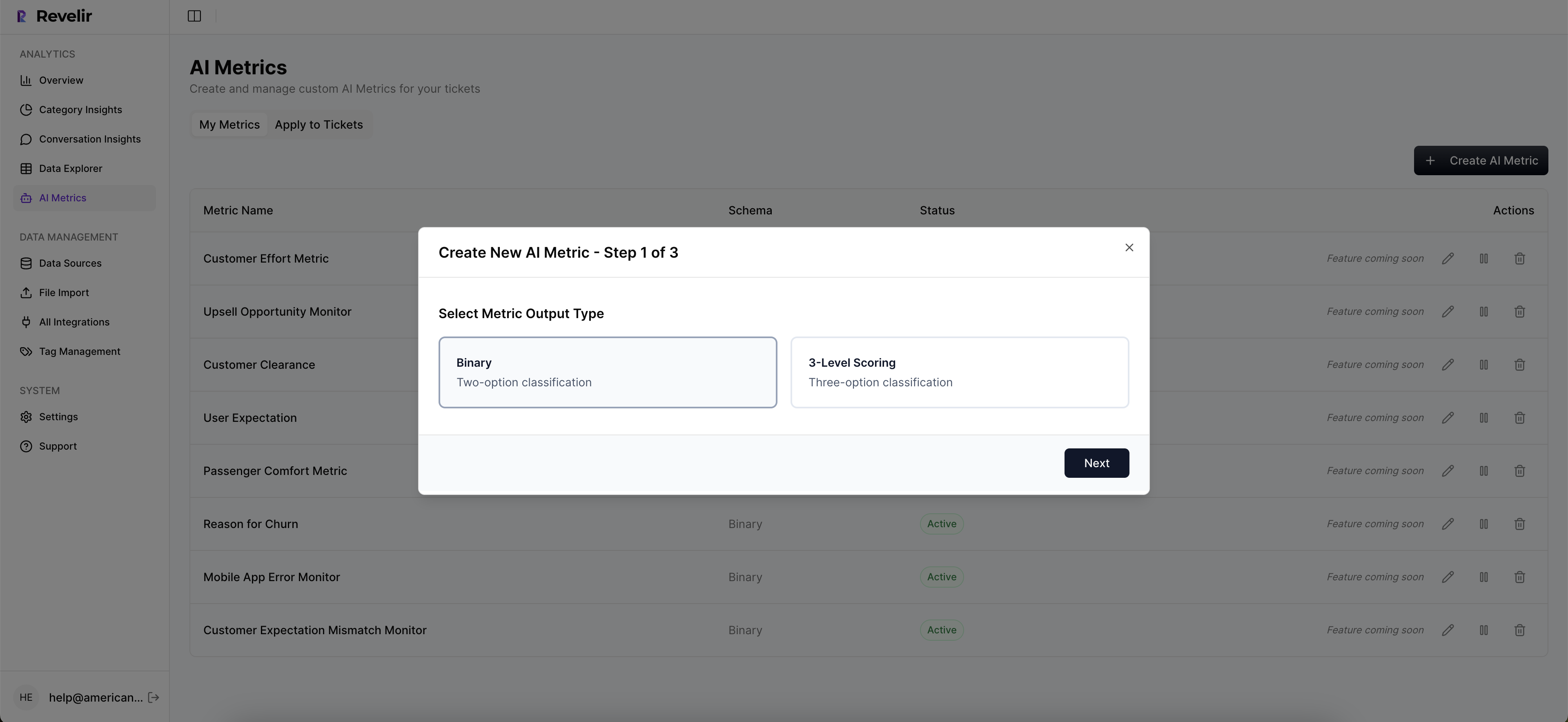
Revelir AI is designed for a faster start:
- You upload past tickets or connect your helpdesk API.
- You can start a 7-day free trial.
- You see insights in minutes, and then validate them by clicking into real conversations.
The “no rework” part is the validation loop. You don’t have to trust a black box. You can inspect examples and adjust your taxonomy and custom metrics to match what your business actually cares about, then apply it consistently.
If you want to see whether this fits your workflow, you can See how Revelir AI works in the context of your own support questions.
Feature Comparison Grid: Revelir AI vs qvasa (Comprehensive)
Revelir AI and qvasa differ mostly in workflow: investigation and evidence versus monitoring and alerting. The table below summarizes the practical trade-offs across common evaluation criteria. Use it to align stakeholders, because otherwise you’ll spend two weeks debating what “analytics” even means.
| Capability | Revelir AI | qvasa | Practical takeaway |
|---|---|---|---|
| Ticketing system focus | Analyzes support conversations (system-agnostic scope not asserted) | Zendesk-centric | If you live in Zendesk ops, qvasa fits that stance (qvasa). |
| Data ingestion scope | 100% of support conversations | Zendesk ticket data streams | Conversation coverage supports root-cause analysis; ops streams support monitoring (qvasa). |
| AI tagging and metrics | ✓ (AI metrics and tags) | Operational metrics emphasis | Different center of gravity: insight structuring versus operational visibility (qvasa). |
| Evidence traceability | ✓ (evidence-backed, tied to source conversations) | Not a core public message | If trust is a recurring fight, traceability is the lever. |
| Deep exploration tools | ✓ (Data Explorer, Analyze Data) | Dashboards for live visibility | Investigative workflows versus monitoring workflows. |
| Real-time dashboards/alerts | Not publicly documented | ✓ live dashboards and alerts | If incident response is your job, qvasa leads this category publicly (qvasa). |
| Trending-issue detection | Exploration-led discovery | Real-time spikes and anomalies | Proactive detection versus investigative validation. |
| Queue health and agent productivity | Not positioned as a queue monitoring tool | Core capability | Ops leaders may prefer qvasa for live health signals (qvasa). |
| Sentiment analysis | ✓ | Positioned as part of monitoring | Both touch sentiment, but they use it differently (qvasa). |
| Churn risk and frustration cues | ✓ | Not clearly emphasized publicly | Choose based on whether you need risk signals extracted from language. |
| Custom metrics and taxonomy | ✓ | Not clearly described publicly | If your business needs custom definitions, clarify early in eval. |
| Analytics export | ✓ (API export) | Not clearly described publicly | If you need metrics in BI, ask what’s supported in practice. |
| Pricing approach | Not publicly listed | Freemium; paid via sales | qvasa starts easy; budget clarity may require sales motion (qvasa). |
| Best-fit scenario | Root-cause analysis for product and CX decisions | Real-time incident detection and ops oversight | Match the tool to the job you do most often. |
If you want to pressure-test this with your own data and workflow, Learn More and compare what you can answer in the first hour.
Conclusion: Picking The Tool That Matches The Job
qvasa is the pragmatic choice when you’re Zendesk-first and need live operational visibility, trending issue detection, and alerts as your default workflow (qvasa). Revelir AI is the pragmatic choice when you need credible, evidence-backed insights from support conversations, with the ability to pivot and validate patterns down to the actual quotes.
Here’s the final decision filter, and it’s blunt on purpose:
- If you’re measured on stability today, pick the monitoring tool.
- If you’re measured on fixing the right thing next, pick the evidence tool.
If you’re evaluating both and want to see how the evidence-backed workflow would look on your real tickets, Get started with Revelir AI (Webflow) and run the two or three questions you get asked every single week.
The goal isn’t more dashboards. It’s fewer arguments, faster fixes, and decisions you can defend.
Frequently Asked Questions
How do I analyze customer support conversations with Revelir AI?
To analyze customer support conversations using Revelir AI, start by integrating it with your support system. Once set up, you can access the Data Explorer feature, which allows you to dive deep into the metrics and tags generated from your support tickets. Look for patterns in sentiment, churn risk, and frustration signals to gain insights into customer behavior. This way, you can identify root causes of issues and make informed decisions based on the evidence from your support conversations.
What if I need real-time updates on support ticket statuses?
If you need real-time updates on support ticket statuses, consider using a tool like qvasa, which specializes in live monitoring of Zendesk operations. While Revelir AI focuses on analyzing conversations for insights, qvasa provides alerts and dashboards that keep you informed about operational metrics and any trending issues. This way, you can stay on top of your support operations and address any incidents as they arise.
Can I use Revelir AI for root-cause analysis?
Yes, you can use Revelir AI for root-cause analysis. The platform is designed to turn support conversations into evidence-backed insights, helping you understand the underlying issues affecting customer satisfaction. By utilizing the AI metrics and tags generated from your support tickets, you can explore data at a granular level, identifying key drivers of customer frustration or dissatisfaction. This insight is invaluable for improving your support processes and enhancing customer experience.
When should I choose Revelir AI over qvasa?
You should choose Revelir AI if your primary need is to analyze support conversations for deeper insights and root-cause analysis. It excels in providing evidence-backed insights from 100% of support interactions, which is crucial for teams focused on understanding customer feedback and improving service quality. On the other hand, if you require real-time operational visibility and alerts for your Zendesk environment, qvasa would be a better fit. Assess your team's specific needs to make the best choice.
Why does my team need evidence-backed insights?
Your team needs evidence-backed insights to make informed decisions based on real data rather than assumptions. With tools like Revelir AI, you can analyze support conversations to identify trends, customer sentiments, and potential issues. This kind of analysis helps in understanding the root causes of customer dissatisfaction, allowing your team to address problems proactively. Ultimately, having solid evidence can lead to better strategies for improving customer service and satisfaction.