
If you’re comparing Revelir AI vs Chattermill, you’re usually deciding between two philosophies: go broad across every feedback channel, or go deep on support conversations with audit-ready evidence. Both can work. The headache starts when you buy a dashboard that looks great in a demo, then you can’t prove what’s driving negative sentiment when product asks, “show me the tickets.”
Revelir AI vs Chattermill Quick Comparison
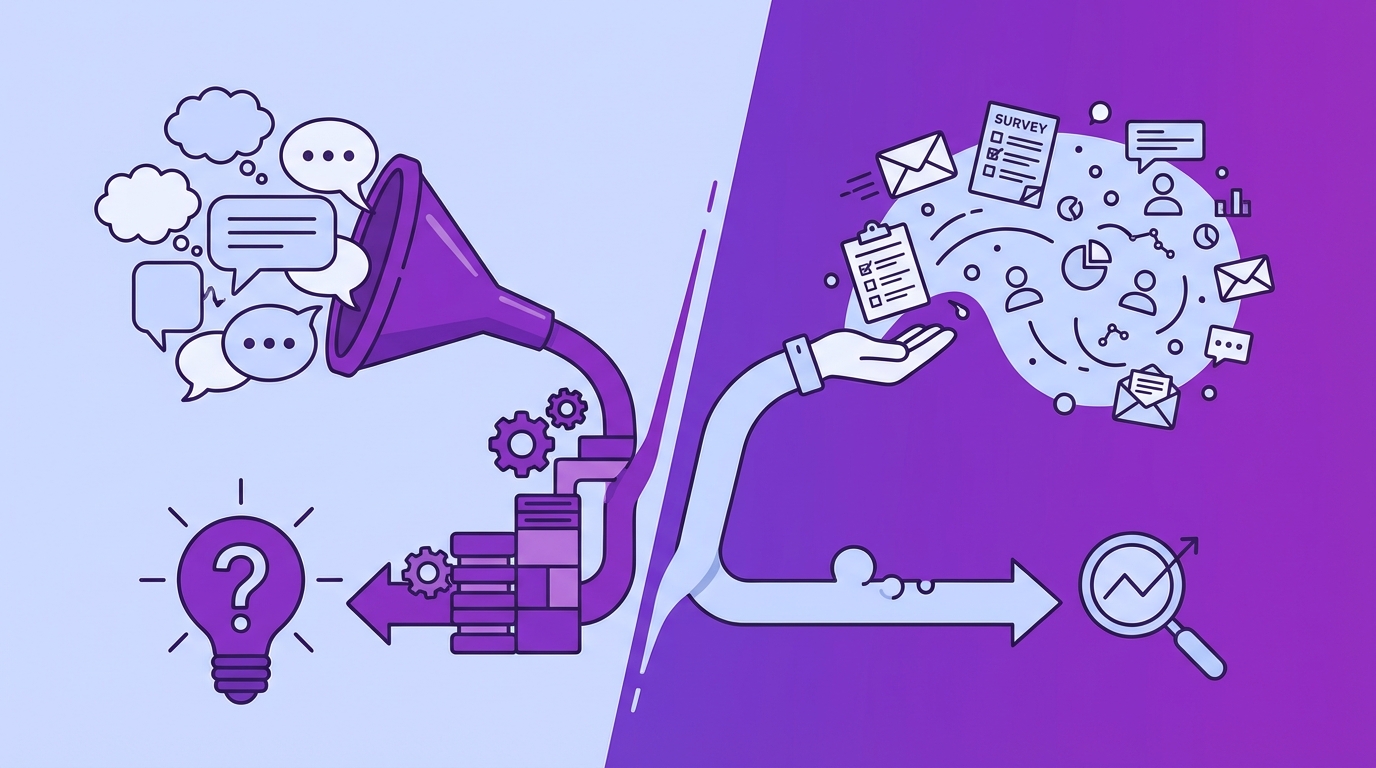
Revelir AI is built for evidence-backed analytics on support tickets, while Chattermill is built for omnichannel VoC and executive dashboards across many feedback streams. The practical difference is where each product spends its “complexity budget”: Revelir goes hard on traceability down to the ticket and quote, Chattermill goes hard on breadth, themes, and stakeholder-friendly reporting. If your north star is support-driven product decisions, that difference matters fast.
| Criteria | Revelir AI | Chattermill |
|---|---|---|
| Primary Focus | Evidence-backed analytics on 100% of support conversations with full drill-through to tickets | Omnichannel VoC unification and AI-powered insights across surveys, reviews, support, social |
| Data Coverage | Full-coverage processing of all ingested tickets (no sampling) | Broad channel coverage via integrations; data latency may apply per public materials |
| Traceability | Every metric links to source conversations and quotes for auditability | Dashboard-first view; traceability depends on connected sources and UI workflows |
| Tagging And Taxonomy | Hybrid Tagging (Raw + Canonical) with learning mappings; Drivers for roll-up reporting | Automated themes and observations; topic discovery across multiple channels |
| Time-To-Value | Connect Zendesk or upload CSV; see metrics, tags, and insights in minutes | Enterprise onboarding; breadth of sources can increase setup and governance needs |
| Pricing Approach | Not publicly listed; self-serve trial available | Custom, quote-based enterprise pricing (contact sales) |
Key Takeaways:
- If you need omnichannel VoC reporting across surveys, reviews, and social, Chattermill is designed for that breadth (Chattermill on Unifying Customer Feedback).
- If you need defensible support insights that survive exec scrutiny, Revelir AI keeps every rollup tied to the underlying ticket and quote.
- Chattermill is typically a sales-led, enterprise pricing motion (Chattermill Product Updates And Features), while Revelir AI supports a self-serve trial for faster evaluation.
- The buying mistake is treating “sentiment and themes” as the output, instead of asking how fast you can validate the why inside real conversations.
Two Different Approaches To CX Insights
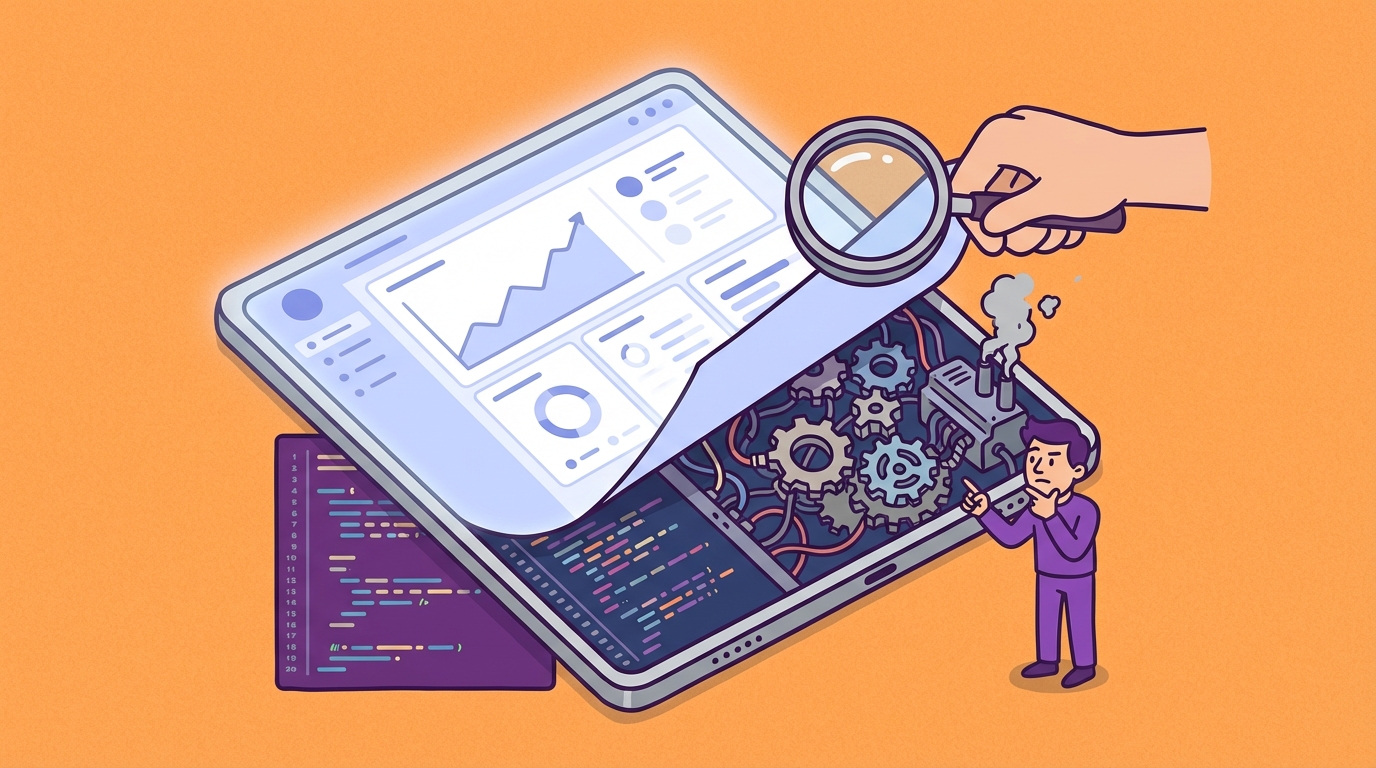
Revelir AI and Chattermill solve different problems even when they both get labeled “CX intelligence.” Revelir AI starts from support conversations and turns them into structured, queryable metrics you can drill into. Chattermill starts from omnichannel feedback unification and surfaces themes and insights across multiple sources, which it positions as a way to build a VoC program at enterprise scale (Voice Of The Customer Program).
Who Each Platform Serves
Revelir AI tends to click for teams where support data is the loudest signal, and also the messiest one. You’ve got thousands of tickets, the tags are inconsistent, and every month you’re doing the same frustrating rework: sampling, arguing about whether the sample is “representative,” then writing a doc that nobody fully trusts.
Chattermill tends to click for large CX and insights teams that need one place to unify many channels and communicate patterns out to stakeholders. It’s pretty explicit about unifying customer feedback and making it usable for decision-making across the org (Chattermill On Unifying Customer Feedback), which is a real need when feedback is scattered across tools and teams.
If you’re reading this and thinking “we need both,” yeah, I get it. Most organizations do. The real question is which one you want to be the system of record for support conversations, because that’s where the operational pain usually lives.
A quick way to sanity-check fit:
- If your core workflow is “support ticket volume changed, what happened, show me examples,” you’ll care a lot about drill-through, traceability, and full coverage.
- If your core workflow is “bring surveys, reviews, support, and social together for an executive narrative,” you’ll care more about ingestion breadth and stakeholder-ready reporting.
When To Use Which
If you’re running an enterprise VoC motion, Chattermill’s orientation toward multi-source theme discovery and executive dashboards is the point (Chattermill Platform Overview (Video)). You’re optimizing for coverage across channels and the ability to talk about “the customer” in one language.
If you’re trying to reduce churn risk and fix product issues surfaced through support, Revelir AI’s focus is tighter. It’s not trying to be everything. It’s trying to make support conversations measurable, searchable, and provable, without the sampling tax and without the “trust me” slides.
Let’s pretend you’re handling 1,000 tickets a month. If you sample 10% and spend three minutes per ticket, that’s five hours for a partial view. To review all 1,000 at that pace is 50 hours. Nobody wants that job. So you either accept blind spots, or you instrument the data so you can see patterns across 100% and then validate with a handful of real conversations.
That’s the fork in the road.
What To Evaluate Beyond The Demo
You should assume both platforms will look clean in a demo. The UI will be crisp, the example dashboards will be curated, and the “insights” will sound obvious. The real evaluation is whether the system holds up when you’re stressed, your exec asks for proof, and the data just changed this morning. That’s where coverage, latency, and auditability stop being academic and start being expensive.
Data Coverage And Latency
Data coverage is about whether you’re analyzing 100% of what you ingest or leaning on sampling and summaries. Latency is about how quickly changes in customer conversations show up as something you can act on. If you’re using insights to drive week-to-week product decisions, “eventually” becomes a risk.
Chattermill talks about unifying customer feedback across sources and using AI to surface insights (How 5 Top Brands Use Customer Feedback). That breadth is valuable, but it also introduces real-world latency constraints because each connector and each source has its own refresh behavior, permissions, and governance.
Revelir AI takes the narrower path: focus on support conversations and process everything ingested, so you can skip the sampling trap. In practice, this is the difference between “we think billing is the issue” and “billing is the issue, here are 36 tickets from enterprise customers, with quotes, and the spike started Tuesday.”
One thing I always ask in evaluations: what’s your refresh expectation? Some platforms in the broader conversation analytics space publish explicit cadence details in product materials, like SupportLogic describing refresh behavior for its data layer (SupportLogic Data Cloud Refresh Cadence). You don’t need that exact product, but you do need the habit of asking the question. Nobody asks in the demo.
A few specific questions worth pushing on:
- When was the last ingestion run, and can I see it in the product?
- What happens if a tag taxonomy changes, do historical tickets get reclassified?
- Can I isolate a cohort, like Enterprise plan, and confirm the data is complete?
Traceability And Auditability
Traceability is whether every chart, metric, and rollup can be traced back to the underlying conversations that created it. Auditability is whether you can do that trace quickly, in the meeting, without exporting spreadsheets and hunting for context. If you’ve ever said “I’ll follow up with examples,” you already know why this matters.
Chattermill positions itself around AI-driven insights and stakeholder-ready dashboards (Chattermill Platform Overview (Video)). That’s a strength, but the traceability experience can vary based on what sources you connected and how the UI routes you back to raw feedback.
Revelir AI is opinionated here. Every aggregate links back to the ticket and quote, so you can validate the pattern without switching tools or rebuilding the story. It’s designed for that tense moment where somebody says, “Are we sure this is real?” and you don’t want to rely on vibes.
This is where a lot of “AI insights” products quietly fall apart. The insights might be directionally right, but the organization doesn’t trust them enough to fund the fix. Then you’re stuck. You know the customer is upset. You can’t prove why. So the roadmap doesn’t change.
Here’s a simple test you can run in any platform:
- Find the top negative sentiment driver in the last 7 days.
- Click into it and pull 5 representative conversations.
- Show those quotes to a skeptical stakeholder and see if they agree with the classification.
If the product makes that hard, it’s going to stay a “nice-to-have dashboard,” not a decision input.
Setup, Pricing, And Time-To-Value
Time-to-value is really two things: how fast you can ingest enough real data to learn something, and how fast the team trusts what they’re seeing. Setup friction slows the first part. Lack of traceability slows the second part.
Chattermill is typically positioned as an enterprise VoC platform with custom pricing and a sales process (Chattermill Product Updates And Features). That can be a good thing if you want a structured rollout across multiple teams and data sources. It can also be a slower path if your immediate need is “we need support insights next week.”
Revelir AI is designed to start with what you already have in support. You connect Zendesk or upload historical data, then you can filter and group by metrics like sentiment, churn risk, and effort, and validate by drilling into conversations. That gets you to “is this useful?” quickly, which is usually the first hurdle.
Pricing-wise, Chattermill’s model is explicitly quote-based enterprise pricing (Chattermill Product Updates And Features). Revelir AI pricing isn’t publicly listed either, but it does support a self-serve trial, which changes the evaluation motion. You can learn with your own data before you commit.
One more thing people skip: internal cost. Let’s pretend your rollout takes eight weeks because you’re unifying channels, aligning stakeholders, and negotiating access. That’s eight weeks of continued sampling and manual analysis. That cost doesn’t show up on the invoice, but you feel it.
Chattermill: Strengths, Limits, And Fit
Chattermill is a strong fit when you want an enterprise VoC platform that unifies many sources and surfaces themes and trends for stakeholders. It emphasizes unifying customer feedback and applying AI to uncover insights across channels, including support, surveys, reviews, and social (Chattermill On Unifying Customer Feedback). If your mandate is “make customer feedback legible to the whole org,” it’s built for that job.
Key Strengths
Chattermill’s biggest advantage is breadth. It’s built to ingest and analyze feedback from multiple channels and present it in a way that’s digestible for execs and cross-functional teams. That matters when CX insights needs to travel beyond support and beyond product.
It also puts weight behind AI-driven topic discovery and insights, plus capabilities like speech analytics, which expands coverage beyond text channels (Chattermill Platform Overview (Video)). If a big chunk of your customer experience happens on calls, that’s not a small detail.
You’ll also see Chattermill lean into the “program” side of VoC, how teams structure a voice-of-customer effort, align teams, and use feedback to drive growth strategy (Voice Of The Customer Program). That content isn’t fluff. It tells you who they’re selling to and what problem they think they’re solving.
A few strengths that tend to show up in practice:
- Omnichannel ingestion and a unified feedback layer across sources (Chattermill On Unifying Customer Feedback)
- Stakeholder-friendly dashboards designed for non-technical consumption (Chattermill Platform Overview (Video))
- Coverage beyond text via speech analytics and call workflows (Chattermill Platform Overview (Video))
Honestly, if your org is already mature on VoC and you need a platform to standardize it, this category of product can be the right move.
Notable Limitations
Chattermill’s limitations tend to show up where broad platforms always struggle: the farther you spread, the harder it is to guarantee the last mile of proof for any single channel. You can have great themes and trends, but if a stakeholder asks for the exact tickets that explain the trend, the workflow matters.
Chattermill also doesn’t position itself as a native survey collection tool. It talks about unifying feedback, which implies you’re bringing surveys in through integrations and existing systems (Chattermill On Unifying Customer Feedback). That’s not a dealbreaker, but it’s an implementation detail that affects time-to-value and data consistency.
Then there’s the enterprise pricing reality. Chattermill is a quote-based, contact-sales product (Chattermill Product Updates And Features). If you’re a smaller support team trying to justify spend based on ticket insights, that can be a tough internal sell. Not because the product isn’t valuable, but because the buying motion assumes a broader enterprise mandate.
One more subtle limit: latency. When you connect multiple sources, you inherit the refresh patterns and governance requirements of each. Chattermill’s public materials focus more on unification and insights than on “here’s exactly when new data shows up,” so you’ll want to push on that in evaluation (Chattermill Platform Overview (Video)).
A practical way to frame these limits:
- If you mainly need support-ticket-level analytics that you can prove quickly, broader VoC platforms can feel like extra surface area.
- If you need speech analytics and broad channel unification, a support-first tool won’t cover you.
How Revelir AI is Different: Chattermill is built to unify feedback across many channels, while Revelir AI goes narrow and deep on support conversations with full-coverage processing and drill-through to the exact ticket and quote. Revelir AI’s Data Explorer and grouped analysis flows let you filter by sentiment, churn risk, effort, outcome, tags, and drivers, then validate in seconds by reading the underlying conversations.
Pricing And Value
Chattermill is positioned as enterprise software with custom pricing, which you can see through its contact-sales posture and product positioning (Chattermill Product Updates And Features). That can be fine if the platform is being funded as a company-wide VoC initiative, not a support analytics line item.
The value argument typically rests on consolidation. You’re paying to unify channels, standardize reporting, and give leadership a consistent view of customer feedback. When that works, it reduces duplicated tooling and scattered analysis.
But if you’re mostly support-driven, watch the mismatch. You might end up paying for capabilities your team won’t use while still needing a high-trust workflow for support ticket drill-down. That’s where teams start building spreadsheets again.
Why Teams Pick Revelir AI For Support Data
Teams pick Revelir AI when they need support insights that are measurable, provable, and fast to validate inside real tickets. It processes 100% of ingested support conversations and turns them into structured metrics like sentiment, churn risk, and effort, with drill-through to the underlying quote. In practice, that means fewer debates over anecdotes and more decisions backed by evidence you can show in the room.
Core Differentiators
Revelir AI is designed around a simple premise: you shouldn’t have to choose between coverage and context. Most teams end up with one or the other. They either sample a few tickets and get nuance, or they aggregate everything and lose the “show me” layer that makes stakeholders trust the insight.
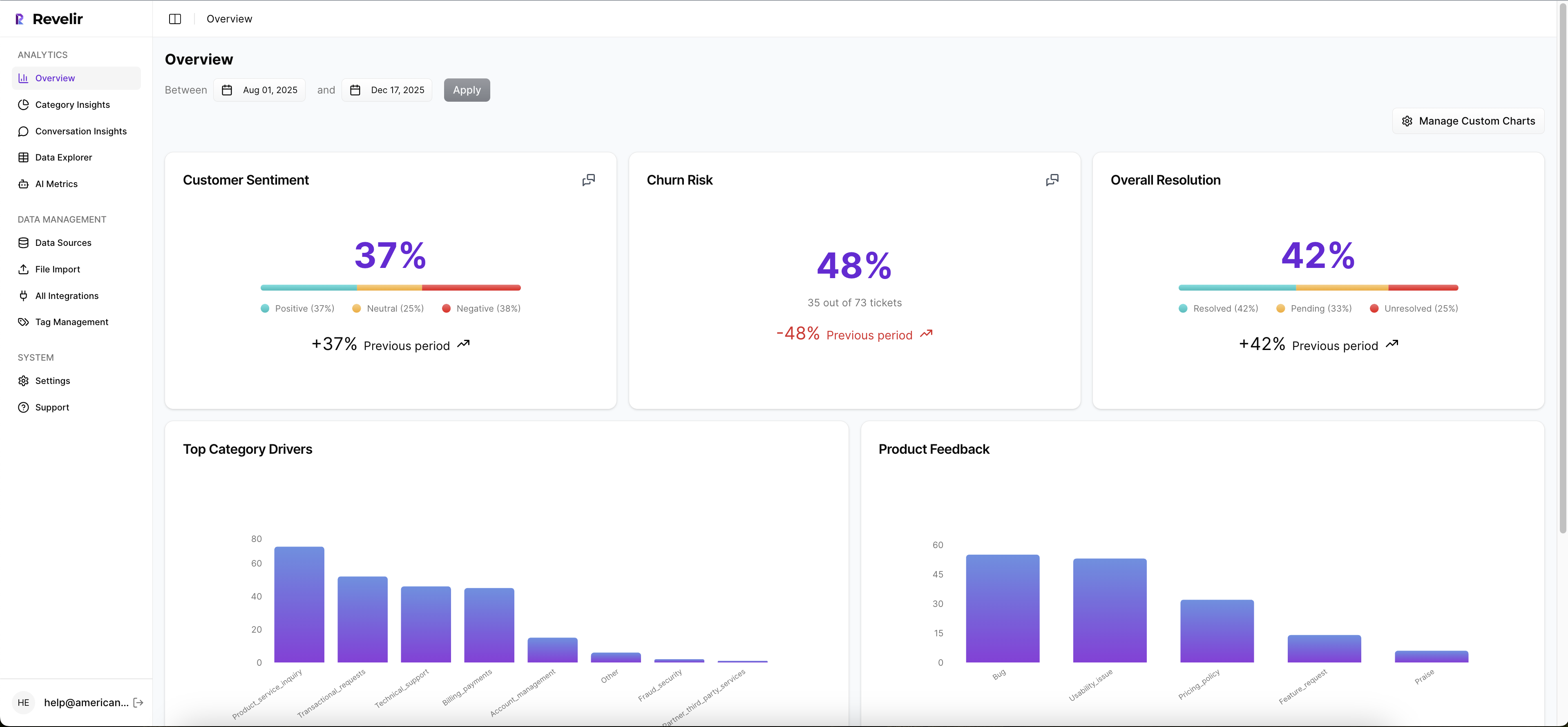
Revelir AI keeps both. Full coverage across ingested tickets, plus evidence-backed traceability to the source conversation. That’s what turns support data into something product, CX, and ops can actually use without doing the monthly ritual of manual review and slide building.
The second differentiator is how analysis works day to day. Revelir AI has a Data Explorer pattern where you filter and group across structured fields, sentiment, churn risk, effort, outcome, tags, and drivers, then inspect conversations to validate. It’s built for the “top-down patterns, bottom-up validation” loop that CX leaders actually use when they’re trying to prioritize fixes without getting dragged into anecdote wars.
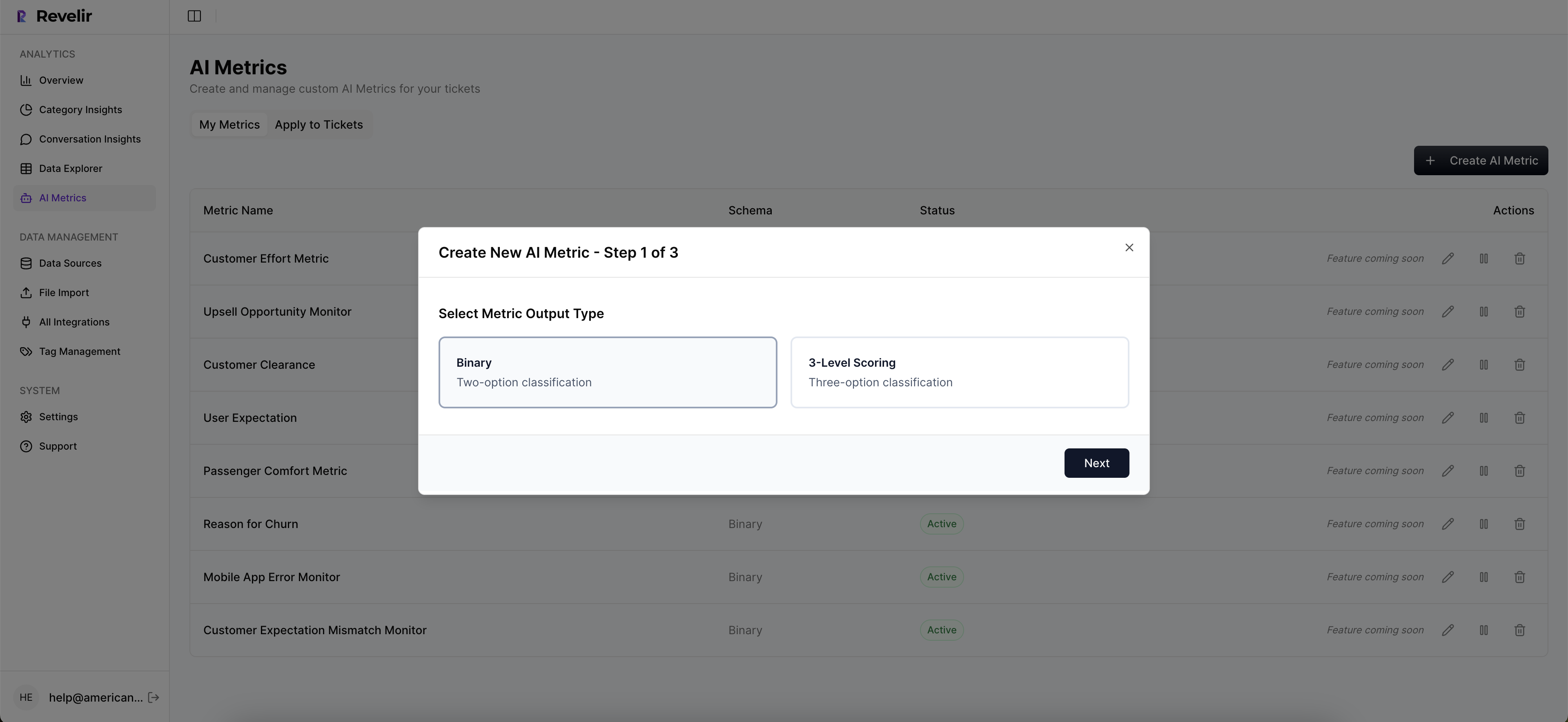
And yes, tagging matters. Revelir AI supports a hybrid approach where you can keep granular discovery (raw tags) while mapping to stable reporting (canonical tags) and rolling those into executive-friendly drivers. Same thing with custom metrics. If your business needs a domain-specific classifier, like a churn reason taxonomy, you define it and it becomes a first-class column you can filter and segment on.
A few concrete capabilities that tend to change the workflow:
- Full-coverage processing across all ingested tickets (no sampling)
- AI tagging and structured metrics as reusable fields (sentiment, churn risk, effort, outcome, product feedback)
- Evidence-backed traceability from charts to tickets and quotes
- Data Explorer plus grouped analysis views for driver and tag rollups
- API export of structured metrics into your BI environment
This is usually the turning point. You stop arguing about whether the data is real, and start arguing about what to fix first. Better problem.
Best-Fit Use Cases
Revelir AI tends to be the best fit when support is the highest-signal dataset you have, and you need to turn it into something operational. Not a quarterly report. Something you use weekly.

You’ll see it land in scenarios like:
- A spike in negative sentiment and you need to isolate the driver fast, then pull representative tickets for product.
- A churn-risk concern where you want to catch frustration cues early, not after renewal goes sideways.
- A high-effort support problem where the business impact is hidden, because effort is distributed across hundreds of conversations.
Let’s pretend you’ve got a billing change that went out last week. CSAT dips, but that’s all you know. With a support-first, evidence-backed approach, you filter sentiment to negative, group by driver or canonical tag, see the spike, then click into a handful of tickets to confirm it’s payment failures and not something else. You walk into product with numbers and quotes. That’s a different meeting.
Chattermill can still play a role if you need omnichannel unification. But if the decision is, “what do we do with support tickets,” Revelir AI is designed to make that answer defensible.
Getting Started
Getting started with Revelir AI is designed to be quick because pilots are how you prove value. You connect your support source (like Zendesk) or upload historical tickets via CSV, then you can immediately start exploring metrics and tags, and validating patterns by drilling into conversations.
If you’re evaluating it seriously, don’t run a beauty contest demo. Use your messiest week of tickets. The week where everyone was stressed and the tags were wrong. That’s the point.
Ready to see what your own tickets say when you stop sampling? See how Revelir AI works.
Conclusion: Side-By-Side Feature Grid
Revelir AI and Chattermill differ most in where they go deep: Revelir AI is optimized for support-ticket evidence and drill-through, while Chattermill is optimized for omnichannel VoC breadth and stakeholder dashboards. The deciding factor is whether your primary job is to unify many feedback sources into one narrative, or to turn support conversations into trusted metrics you can defend with quotes. The grid below is the quickest way to sanity-check that fit.
| Capability | Revelir AI | Chattermill |
|---|---|---|
| 100% Conversation Processing (No Sampling) | Yes, full-coverage of all ingested tickets | Focus on omnichannel breadth; coverage varies by connected sources |
| Evidence-Backed Traceability (Drill-To-Ticket/Quote) | Yes, every aggregate links to source conversations and quotes | Dashboard-centric; traceability varies by data source and UI |
| Data Explorer (Pivot-Style Filtering And Grouping) | Yes, filter, group, sort across Sentiment, Churn Risk, Effort, Outcome, Tags, Drivers | Dashboards and themes; pivot-style exploration not publicly emphasized (Chattermill Platform Overview (Video)) |
| Analyze Data (Guided Grouped Analysis Plus Charts) | Yes, grouped metrics by Driver, Canonical Tag, Raw Tag with ticket links | Highlights and trend analysis; specific workflow differs by implementation (Chattermill Product Updates And Features) |
| Hybrid Tagging (Raw Plus Canonical) | Yes, granular discovery plus stable reporting taxonomy; learns mappings | Automated themes/topics; canonical mapping approach not publicly detailed (Chattermill Product Updates And Features) |
| AI Metrics (Sentiment, Churn Risk, Effort, Outcome) | Yes, computed as structured columns for filters and reporting | Sentiment and topics emphasized; explicit churn-risk or effort fields not publicly detailed (Chattermill Platform Overview (Video)) |
| Custom AI Metrics (Domain-Specific Classifiers) | Yes, define custom questions/values; outputs as reusable columns | Not publicly documented as self-serve classifier builder (Chattermill Product Updates And Features) |
| Drivers (Executive-Friendly Roll-Ups) | Yes, associate tags to Drivers for “why” analysis | Root-cause and themes exist; explicit Driver construct not highlighted publicly (Voice Of The Customer Program) |
| Zendesk Integration | Yes, continuous import of transcripts, tags, metadata | Yes, supports enterprise ingestion (Chattermill On Unifying Customer Feedback) |
| CSV Ingestion (Pilots And Backfills) | Yes, parses transcripts; full tagging and metrics pipeline | Depends on import options per connector (Chattermill Product Updates And Features) |
| Speech Analytics | Not listed | Yes, call transcription and analysis (Chattermill Platform Overview (Video)) |
| Anomaly Detection Or Alerts | Not listed | Yes, anomaly detection and real-time alerts (Chattermill Product Updates And Features) |
| API Or Data Export | Yes, export structured metrics to BI | Yes, supports enterprise data workflows (Chattermill Product Updates And Features) |
| Pricing Transparency | Not publicly listed; trial available | Custom, enterprise quote (Chattermill Product Updates And Features) |
If you want to pressure-test the “support analytics” claim from any vendor, including Revelir AI, run the same drill: filter to negative sentiment, group by driver, click into the tickets, and see if the narrative survives contact with reality. Nobody’s checking that in the demo. You should.
Key Takeaways
Revelir AI is the more direct choice when support tickets are the dataset you need to trust, because it’s built around full coverage and traceability. Chattermill is the more direct choice when you need omnichannel unification and speech analytics as part of a broader VoC program (Chattermill Platform Overview (Video)).
If you’re still torn, that’s usually a sign you haven’t picked the primary job-to-be-done. Pick that first. Then pick the product.
If you’re evaluating with real support data and want to see how the evidence-backed workflow feels, Learn More.
Decision Checklist
You can make this decision without a spreadsheet, but you do need a checklist that forces honesty. Use this one.
- Do you need omnichannel VoC unification across surveys, reviews, and social as a core requirement (Chattermill On Unifying Customer Feedback)?
- Do you need speech analytics for call-based feedback (Chattermill Platform Overview (Video))?
- Do you need to prove support insights with ticket-level quotes in exec conversations, weekly?
- Are you currently sampling tickets because full review would take 50 hours a month?
- Do you want to define domain-specific metrics as reusable columns, not one-off reports?
- Do you need a self-serve evaluation motion, or are you comfortable with a sales-led enterprise rollout (Chattermill Product Updates And Features)?
If your answers cluster around omnichannel plus speech, Chattermill is likely the right direction. If your answers cluster around proof, drill-through, and support-driven decisions, Revelir AI is usually the cleaner fit.
Want to see it on your own tickets, not a curated demo dataset? Get started with Revelir AI (Webflow)
You don’t need a perfect platform. You need one you’ll actually trust when the numbers change and people start asking uncomfortable questions.
Frequently Asked Questions
How do I choose between Revelir AI and Chattermill?
When deciding between Revelir AI and Chattermill, consider your primary needs. If you want detailed, evidence-backed analytics on support tickets, Revelir AI is a strong choice. It provides full traceability to conversations and quotes, allowing you to understand the root causes of customer sentiments. On the other hand, if you're looking for a broader view that integrates multiple feedback channels, Chattermill might be more suitable. Think about whether your focus is on deep insights from support interactions or a wider range of customer feedback.
What if I need real-time insights from customer support tickets?
If you need real-time insights, Revelir AI can help you by processing all support tickets without sampling. This means you get a complete view of customer interactions as they happen. To set this up, ensure that all your support channels are integrated with Revelir AI. You can then access all conversations for immediate analysis, helping you respond to customer issues more effectively and make informed product decisions quickly.
Can I track specific customer issues with Revelir AI?
Yes, you can track specific customer issues using Revelir AI. The platform allows you to drill down into individual support tickets, linking metrics directly to the source conversations. To do this, start by tagging relevant tickets based on the issues you're monitoring. This way, you can easily pull reports that highlight trends or recurring problems, giving you the insight needed to address customer concerns proactively.
When should I consider switching from Chattermill to Revelir AI?
Consider switching to Revelir AI if your business is increasingly focused on support-driven product decisions. If you find that you need more detailed evidence and traceability in your analytics, Revelir AI provides a comprehensive view of all support conversations. This can be particularly beneficial if you're facing challenges in proving the impact of customer feedback on your product development. If your current setup isn't meeting those needs, it might be time to make the switch.
Why does Revelir AI focus on support tickets?
Revelir AI focuses on support tickets because it aims to provide evidence-backed analytics that help businesses make informed decisions based on actual customer interactions. By analyzing 100% of support conversations, Revelir AI ensures that every piece of feedback is accounted for, allowing for a more accurate understanding of customer sentiments. This focus on support tickets helps organizations improve their products and services based on real customer experiences.